18
Alarm can be turned on/ off.
After enabling the reset, the alarm time can be set to daytime (08:
00-18: 00), night (18: 00-08: 00), all-day (00: 00-24: 00), a
self-defined time;
Set the sensitivity 0-5 (the larger the numerical value, the higher
the sensitivity), depending on the change degree of screen in a
certain time interval.
2. View and download the past alarm messages according to the
time sequence.
3. The "Select" function button can be used for selection in batches
for deletion.
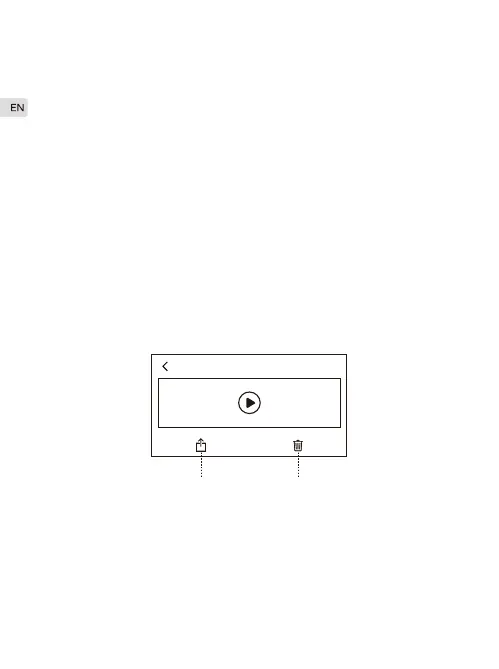
4. After clicking the alarm video, it will be automatically downloaded
and can be selected.
1. Alarm settings
The downloaded video can be shared to other applications.
Delete the current video.
01-23 11:00
A B
A.
B.
C.
A.
B.



 To Next Page