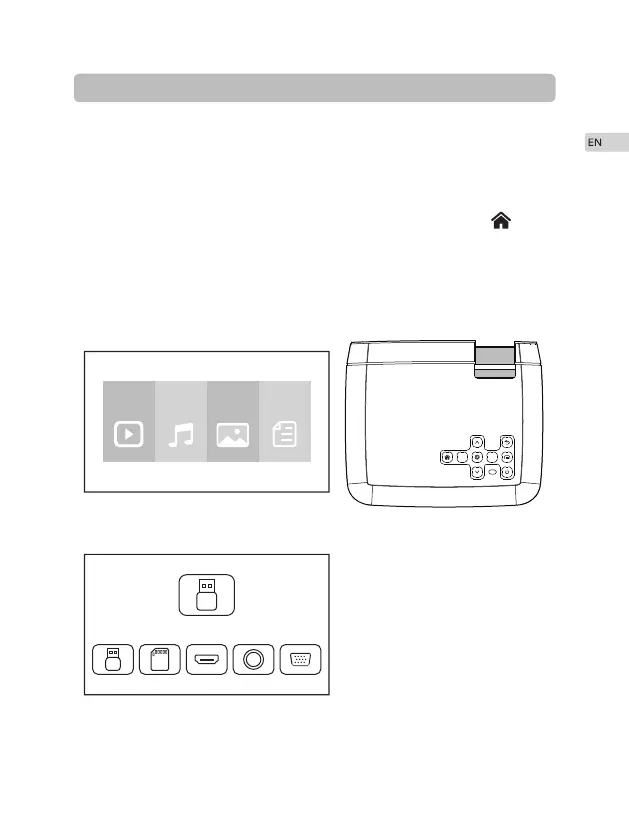
Select an input source.
When projector turns on, main screen appears as shown below. Video, Music,
Picture, and Text files are available.
You can choose USB/TF/HDMI/VGA/AV different sources in, by touch " " at
projector touch panel, or remote controller.
You can connect different devices with the projector , according to the following
connection instruction.
·
·
·
Connection Instructions
7
Movie Music PHOTO TEXT
USB 1
K
K


 To Next Page