Operation
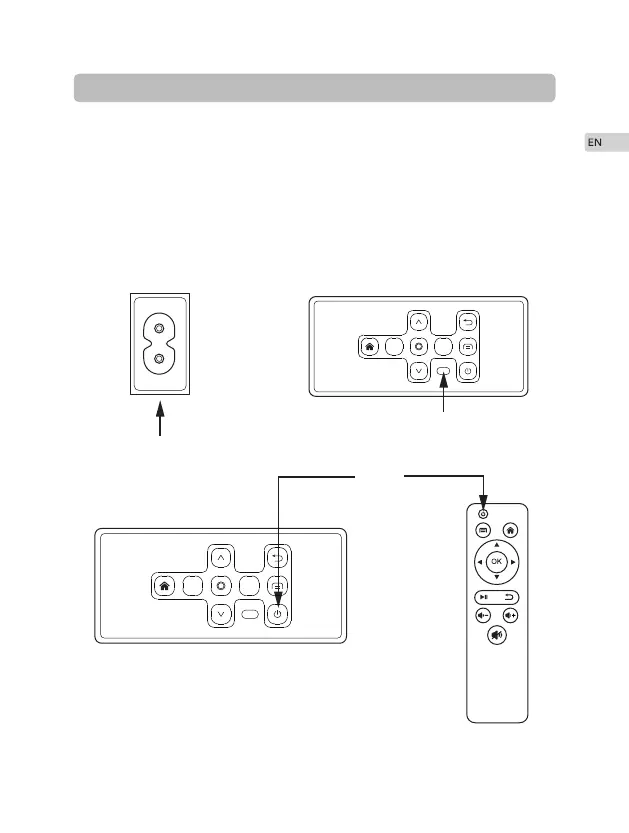
As shown in Picture 1, connect the included AC power cord to the power input
port of the projector.
As shown in Picture 2, projector gets into standby as the indicator on the top of
the projector lighted up in red.
As shown in Picture 3, turn on the projector by pressing the power switch
button or remote controller. Start-up successes, indicator turns blue.
·
·
·
5
③
①
②
K
K
K
K


 To Next Page