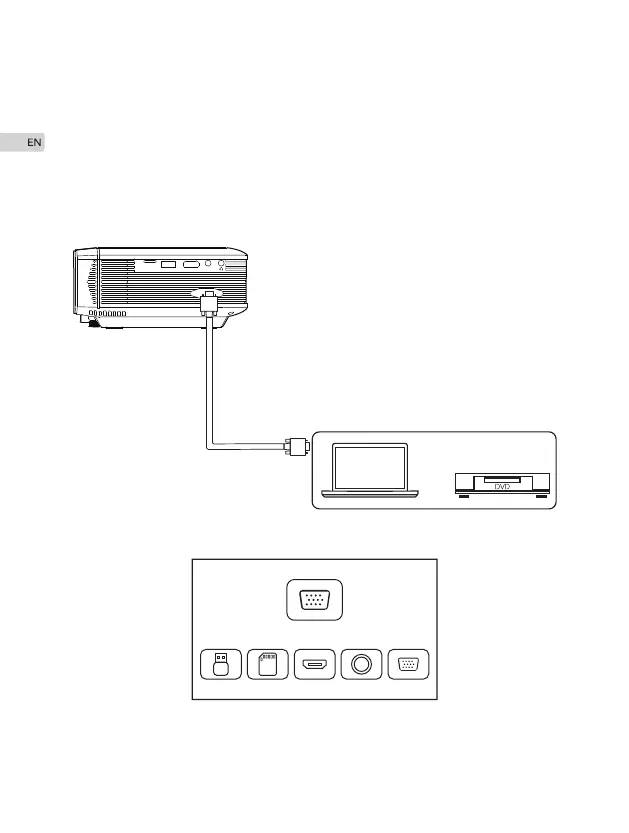
VGA input (PC) connection
10
Use an universal VGA cable(not included) to connect the projector with computer
and other devices with VGA signal output function.
For most of the Windows 7 computers, press [Windows]+[P] to make projection.
For other Windows computers, Google or contact your computer service center for
projection instruction.
VGA
TF
USB
HD
AV


 To Next Page