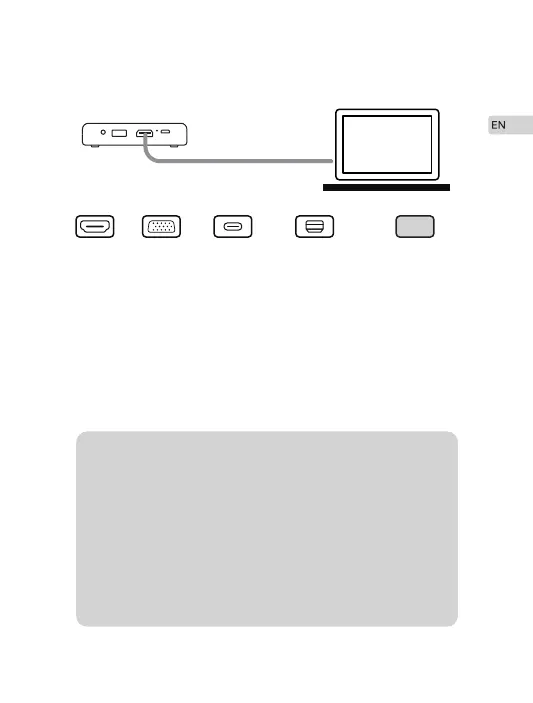
HDMI VGA USB-C Thunderbolt OtherAdapter
If your laptop has HDMI port, use the HDMI cable to connect your
laptop to the projector, and set projection mode on your laptop.
If your laptop does not have HDMI port, you may need HDMI to
VGA adapter(not included), Apple MFi Certified USB C to HDMI
Adapter(not included), Apple MFi Certified Thunderbolt to HDMI
Adapter(not included) or other adapters for connection.
·
·
Connecting to Your Laptop
M4 Projector supports Amazon Fire Stick and Chromecast.
You can charge your VGA adapter with a USB cable
connected to Projector’s USB output port.
For most of the Windows 7 computers,press
[Windows]+ [P] to make projection.
For Macbook, click “enable mirror”on the top right
display setting bar with a monitor icon.
Google or contact your computer service center for
projection instruction.
Tips: 1.
2.
3.
4.
5.
9


 To Next Page