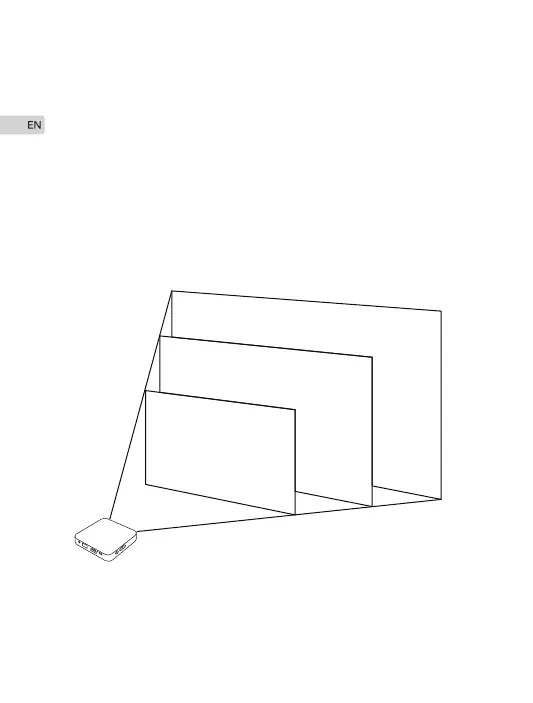
30”
80cm
130cm
260cm
50”
100”
Place your M4 Projector on a flat level surface at the optimal
distance from the screen or wall and move it horizontally.
See the picture below. The result of this calculation tells you
roughly how far back the projector should be positioned from the
screen in order to project a focused image large enough to fill the
screen. Recommended projecting distance is 0.8-2.6 meters.
Adjusting the Projection Image
10


 To Next Page