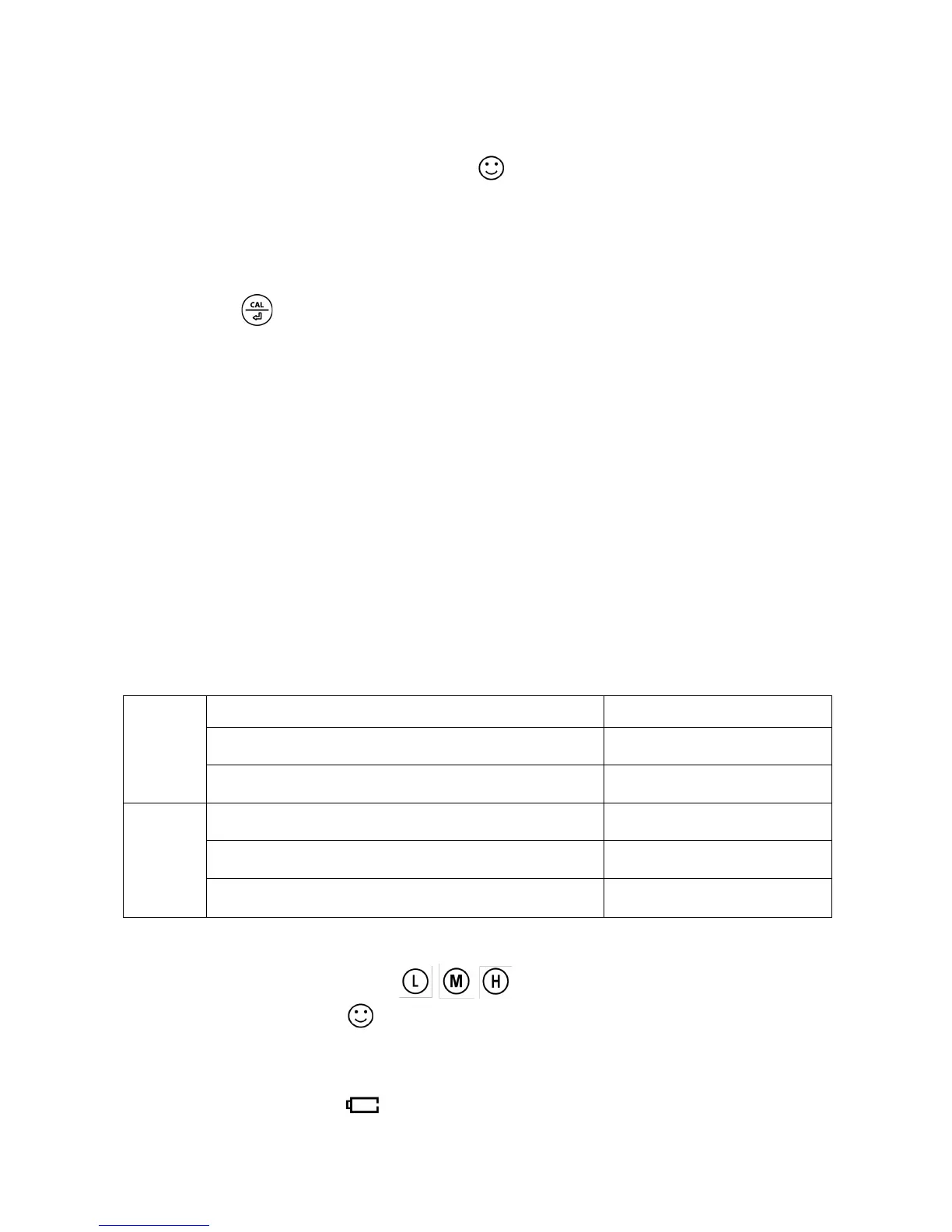
Heads-Up when measured value in range of 120 mV and 150 mV:
Preset low value = 120 mV, highest value = 150 mV, when measured value in
range of 120 mV and 150 mV (stable icon displays on LCD); Red back-lit
heads-up displays.
B) Automatic lock (P3):
Select “On” to activate auto lock function. When reading is stable for more than 10
seconds, the tester will lock the value automatically, and HOLD icon will display on
LCD. Press key to cancel auto hold.
C) Backlight (P4)
“Off”-turn off backlight, “On”-turn on backlight, “1”- backlight will last for 1 minute.
D) Temperature Unit (P5)
Select C˚ or F˚, the factory default is ˚C.
E) Factory default setting (P6)
Select “Yes” to recover instrument calibration to theoretical value (pH value in zero
potential is 7.00, slope is 100%), parameter setting return to initial value. This
function can be used when instrument does not work well in calibration or
measurement. Calibrate and measure again after recover the instrument to factory
default status.
9.
Technical Specifications
Tester functions:
• Calibration points indication:
• Stable measurement:
• Reading value auto. hold: HOLD
• Self-Diagnostic Information: Er2
• Low-Voltage warning: flickering, reminder of battery replacement



 To Next Page