Top Fan Installation
YTop Fan Installation
Of up the filter.
• and 120tt•gn ran With
InstaNMEon du ventilate•g
A#ez et votreventi*urde
Lüttor
StasNtec
Bchtm Se 120-mm-L& aw urd Oct"" hn
Rete el de
Instalaøo da ventohha
Lear* a tyroa de
• rue a 120 mm cano,sparoøs
Cowectgte 120 uu
120mm
Front / Rear Fan Installation
& Fan Installation
• Alon soon ywr 120mm fan grows.
NV.ezet rtxez•v•eeverNatev de 120mmawe IesVB.
> Liift•t
Front
120mmX3
OR
140mmX2
01
y de 120 rm
trwwagåo
a de mm 0$ paraåß0S.
120 uu
Rear
120mm
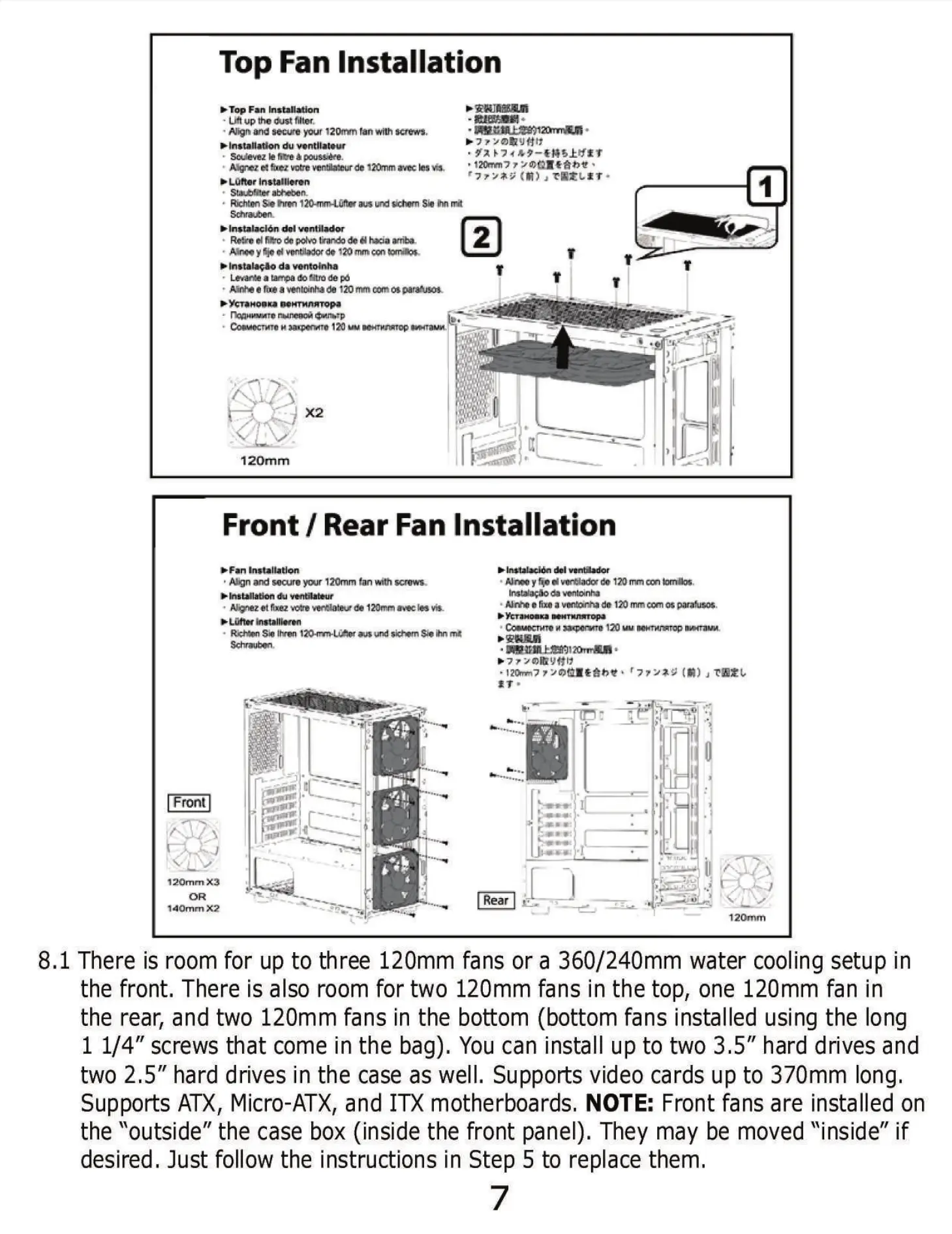
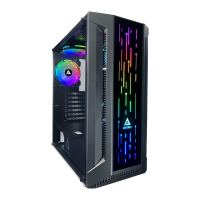
8.1 There is room for up to three 120mm fans or a 360/240mm water cooling setup in
the front. There is also room for two 120mm fans in the top, one 120mm fan in
the rear, and two 120mm fans in the bottom (bottom fans installed using the long
1 1/4" screws that come in the bag). You can install up to two 3.5" hard drives and
two 2.5" hard drives in the case as well. Supports video cards up to 370mm long.
Supports ATX, Micro-ATX, and ITX motherboards, NOTE: Front fans are installed on
the "outside" the case box (inside the front panel). They may be moved "inside" if
desired. Just follow the instructions in Step 5 to replace them.


 To Next Page