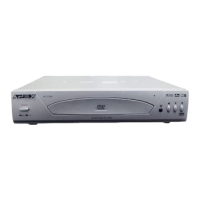
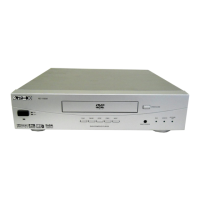
APEX DIGITAL
ADV-3800
8
Connecting With TV
• In connecting RF cable to TV, set TV channel to CH3.
1 Connect antenna cable to the “ANT.IN” jack on rear panel of player.
2 Connect TV to the Combo Player by connecting the “RF OUT” jack with “ANT.IN” jack of the TV with RF cable.
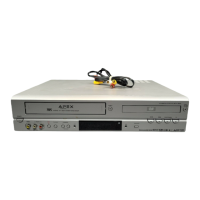
3 Connect AV OUT jack on VCR&DVD PLAYER to AV IN jack of the TV with RCA cables.
• Connect with Audio/Video terminal, you can enjoy more clean video and audio.
Connecting With Optional Equipment
1 Connect AV OUT jack on camcorder (or playback video) to AV IN jack on rear panel (or front panel) of VCR&DVD PLAYER with
RCA cables.
How to Connect with RF cable or AV cable
How to Connect


 To Next Page
 Loading...