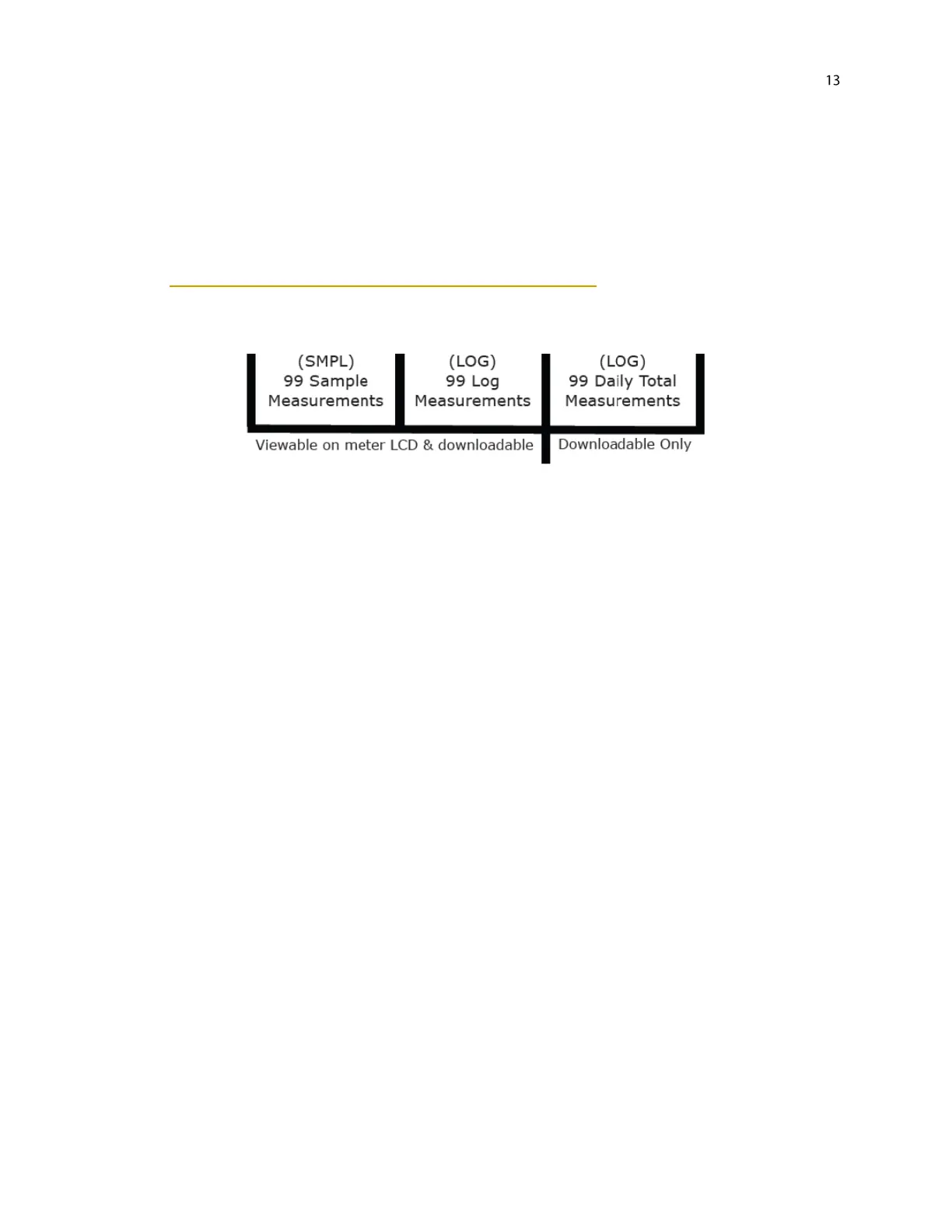
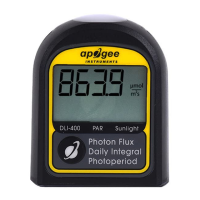
Review/Download Data: Each of the logged measurements in either SMPL or LOG mode can be reviewed on the
LCD display by pressing the up/down buttons. To exit and return to the real-time readings, press the sample
button. Note that the integrated daily total values are not accessible through the LCD and can only be viewed by
downloading to a computer.
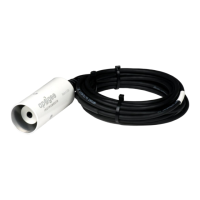
Downloading the stored measurements will require the AC-100 communication cable and software (sold
separately). The meter outputs data using the UART protocol and requires the AC-100 to convert from UART to
USB, so standard USB cables will not work. Set up instructions and software can be downloaded from the Apogee
website (http://www.apogeeinstruments.com/ac-100-communcation-cable/).


 To Next Page