AD-8000 Application Notes
1999 Apogee Electronics Corp AD-8000/ATR/Lynx Page 2 of 2
TRAN MODE ONLINE
MASTER switch to ON
REF SRC INT XTAL (or VIDEO if using Black Burst as master sync)
Lynx II Setup (any Lynx II software)
DSPL SEL GEN
GEN CODE select which type (29.97)
GEN REF INT
*Press and hold SHIFT and press GEN ON to select TACH > TC
GEN ON switch to ON
DSPL SEL RDR
TRAN MODE ONLINE
MSTR ON
Make sure that the master reference is RDR and not VSO.
The most-recently developed synchronizer from Time Line, the Micro Lynx (with the addition of
the ACG card), can provide a Word Clock output to the AD-8000 and an MTC output directly to
the Pro Tools software via a serial cable to the Mac, effectively acting as the only necessary
synchronizer. The WC output and the regenerated TC output are synchronous providing the
best possible lock to the ATR. While a detailed description of the Micro Lynx setup is beyond the
scope of this note, the Micro Lynx manual has very good application notes describing its use as
an interface to a DAW. Setting up a Micro Lynx without the ACG card is similar to the setups
above with the following notes:
Make sure that the transport setup is not in VSO mode (should be in INT or VIDEO)
Generator output is connected to the USD as above, the analog transport (A, B, C, or D) should be
master.
The time code generator should be slave.
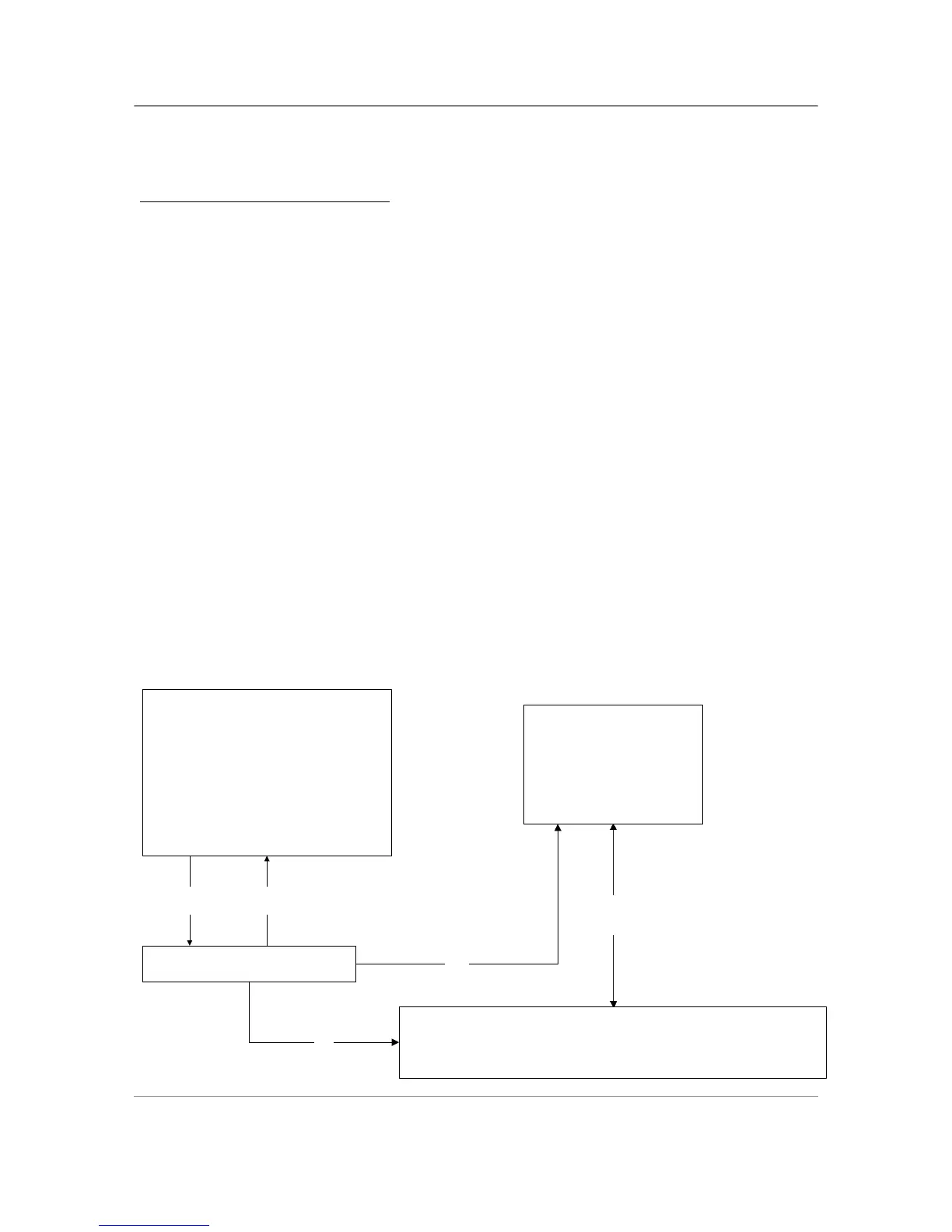
The Micro Lynx with the ACG card can be setup up as follows (sans the USD):
2" ATR
Micro LYNX
PRO TOOLS
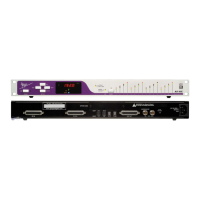
APOGEE AD-8000
TRANSPORT
CONTROL
TC
from tape
GEN
OUT
DIGI-8+
MULTIPIN
CABLE
WC
SYNC SOURCE: WC
MTC



 To Previous Page