Apogee Element Series User’s Guide
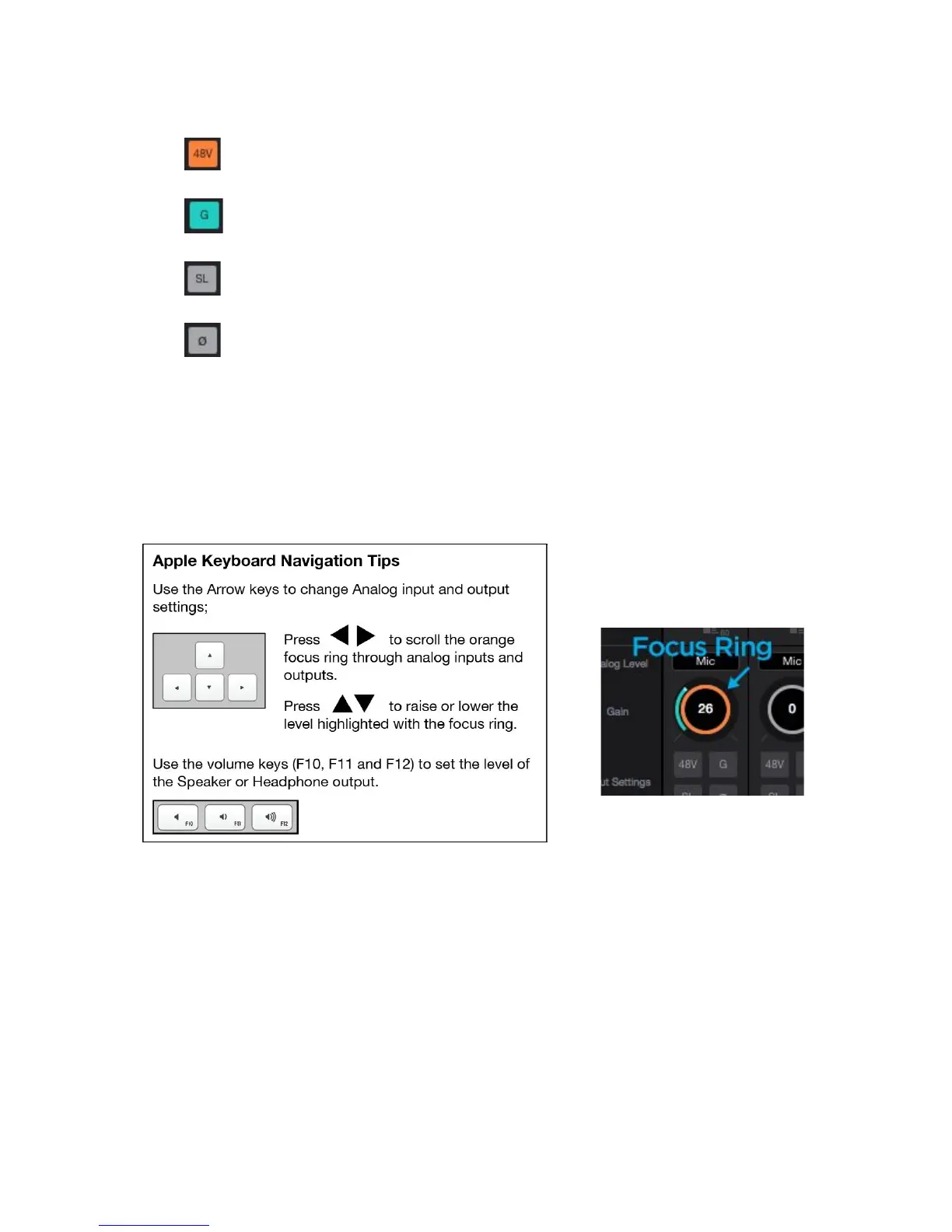
7. Input Settings - Provides options for the various inputs:
● : Use this button to enable 48 volt phantom power on the corresponding Analog In channel. Condenser
mics require 48 volt phantom power to operate.
● Group: The input gain controls of adjacent odd-even channels are adjusted simultaneously. Any level
offsets that exists before inputs are grouped will be preserved after a group is chosen.
● Soft Limit: Select “On” to engage. This option begins to attenuate transient peaks at a threshold of
-4dBfs.
● Polarity Invert: Use this button to invert the polarity of the input signal.
13



 To Next Page