16 | Apogee Element Series Quick Start Guide
Setting up an Input
Setup and control the input settings of your Apogee Element interface via the Element Control software.
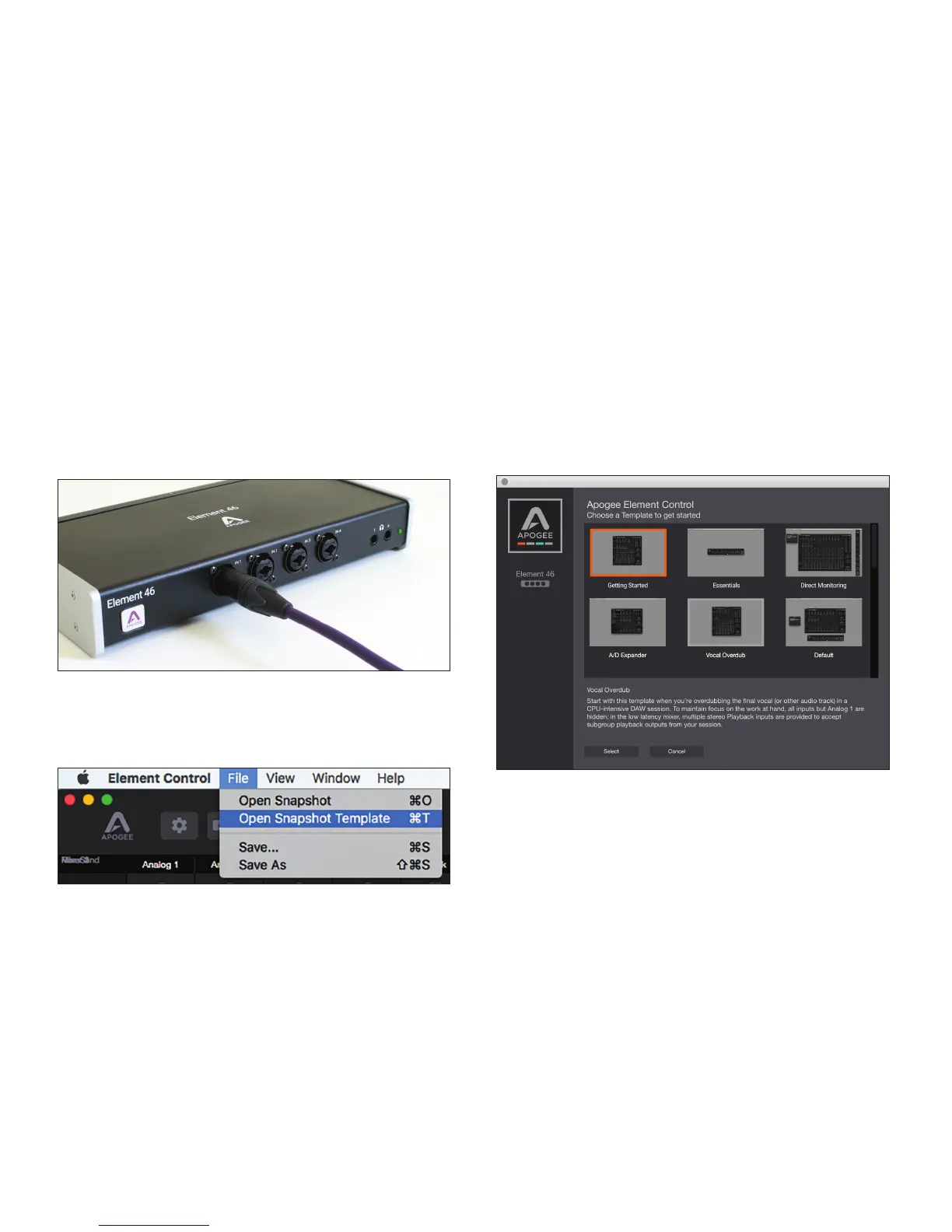
1. Connect an XLR or ¼” instrument cable to
the Input 1 combi jack.
2. Open the Element Control software.
3. Click File > Open Snapshot Template.
4. Select “Getting Started” from the
Snapshot Template window.



 To Next Page