GiO Quickstart Guide
12
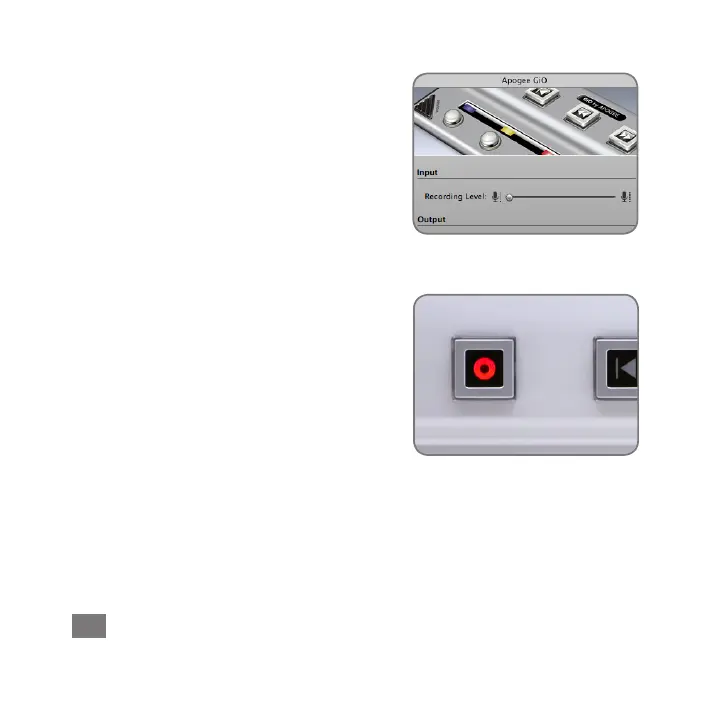
IntheApogeeGiOcontrolpanel,adjustthe
RecordingLevelslideruntilanadequate
signallevelisdisplayedinthetrackmeters.
SeetheGiOUser’sGuideforamore
detaileddescriptionofhowtosetrecording
levels.
Record!
Onceyou’vesetalevel,taptheRecord
Transportbutton.Thenewlycreatedregion
appearsinGarageBand’stimeline.Once
you’vecompletedrecording,tapthePlay
buttontostoprecording,tapeithertheGo
ToBeginningorRewindbutton,andtap
Playtolistenbacktoyourrecording.



 To Next Page