3
Charging the Wi-Copy
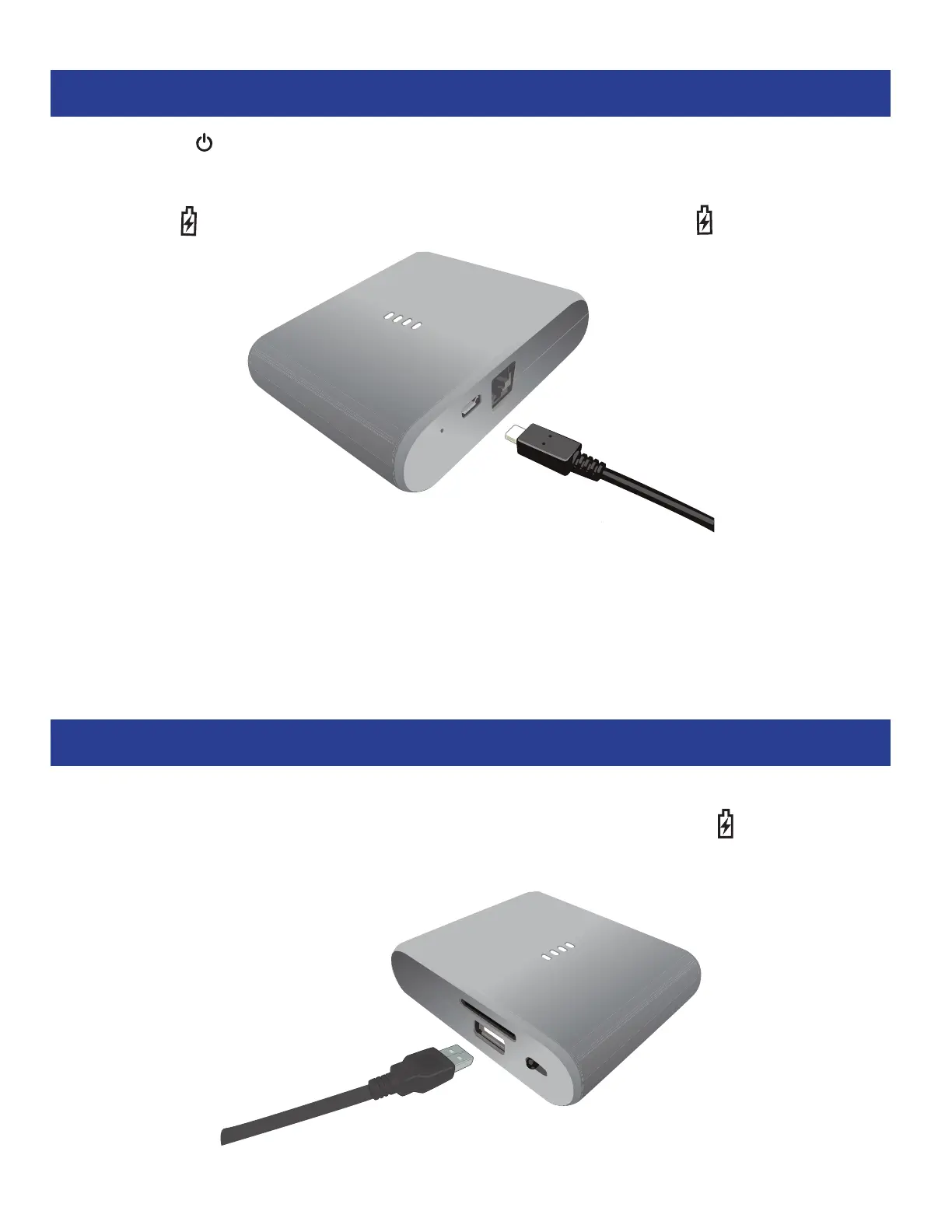
When the Power Indicator is orange, it is time to charge the battery. To charge this unit, simply
connect the small end of the supplied Micro USB cable to the Micro USB port on this unit and the other
end to a powered USB port on a computer or a USB power adapter (not included). While charging,
the Charging Indicator will light red. When fully charged, the Charging Indicator will turn off
.
Charging an Apple or Android Device
To charge an Apple or Android device, simply plug the cable from the external device charging port
to the USB port on the Wi-Copy. Then slide the Function switch to the Charge position


 To Next Page