Apple Cinema Display 22" (ADC) Take Apart -
21
Display Panel
Display Panel
Tools
This procedure requires the following tools:
• #2 Phillips screwdriver
• nylon probe tool (922-5065)
Preliminary Steps
Before you begin, do the following:
• Place the display face down on an ESD mat
• Remove the foot assembly and hinge cover
• Remove the rear cover
• Remove the front bezel.
• Disconnect the cable connector from the main board to the inverter board
• Disconnect the cable connector from the main board to the display panel
• Disconnect the cable connector from the ADC cable to the display panel
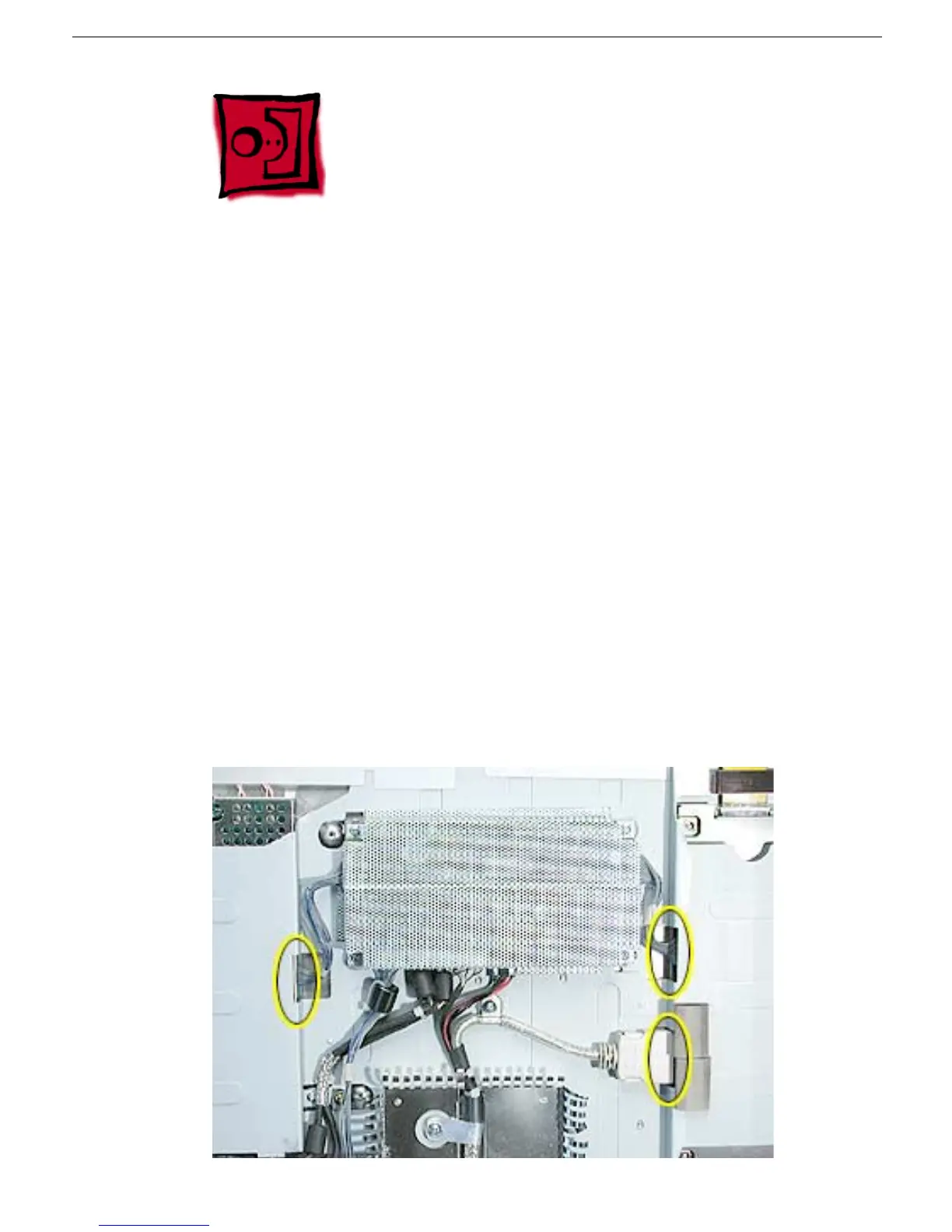
• Remove the chassis from the display panel
• Disconnect the backlight bulb wire connectors (top and bottom) from the inverter board
• Remove the inverter board



 To Next Page