Chapter 1 Customizing How the Wiki Looks 9
Variant Theme File Structure Overview
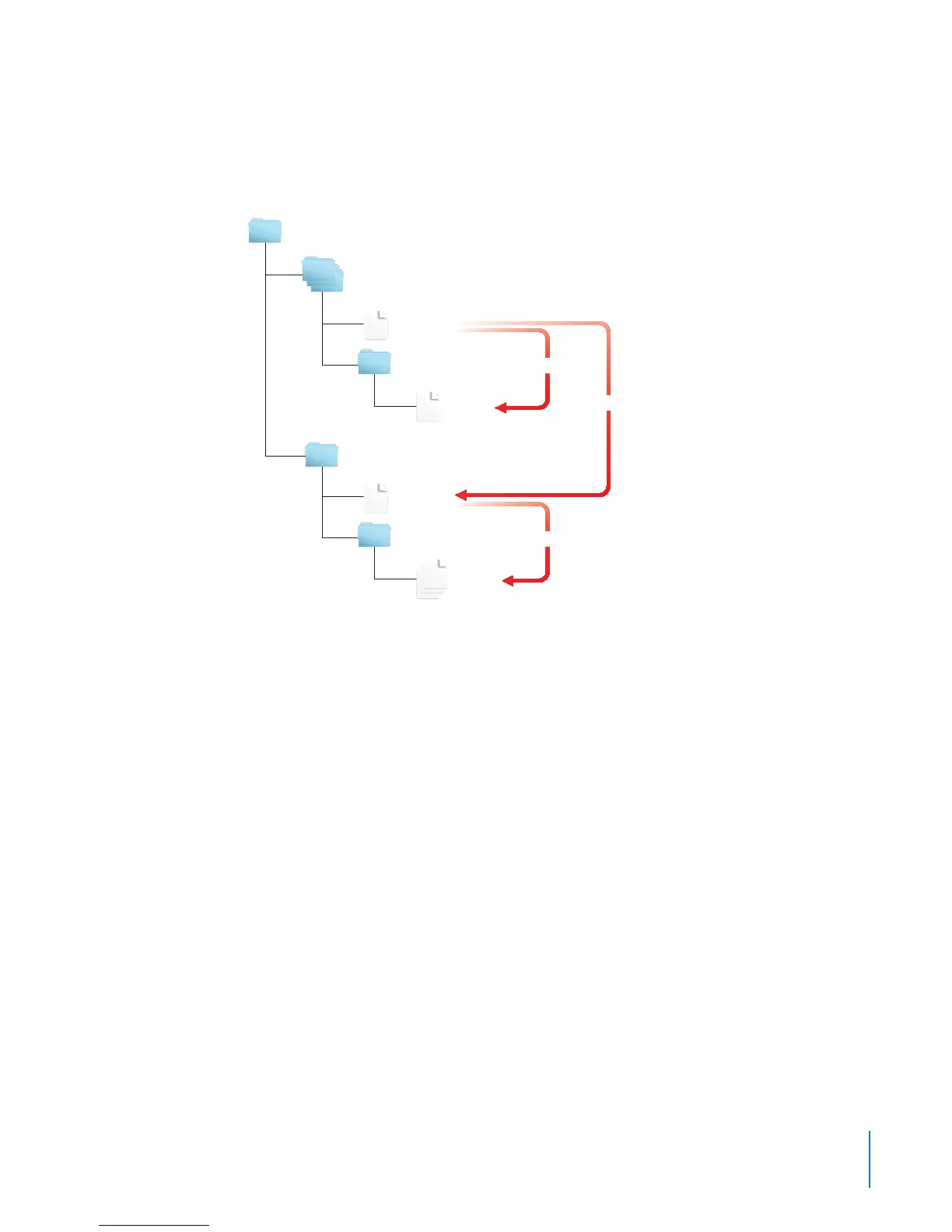
Prebuilt themes have several variants, which all share the same layout but might have
dierent banners or color schemes. Shared CSS les are in the main theme’s folder,
while variants have separate CSS les located in other folders.
For example, the block theme has its shared CSS les located in:
/usr/share/collaboration/themes/block/screen/
Variants of the block theme all use these shared CSS les. Each variant also uses CSS
les located in another folder such the following:
/usr/share/collaboration/themes/block.green.banner/screen/
/usr/share/collaboration/themes/block.red/screen/
/usr/share/collaboration/themes/block.red.banner/screen/
These CSS les all serve only as examples, since the prebuilt themes use the screen_
compressed.css le instead of these individual les.



 To Next Page