eMac (ATI Graphics) Take Apart -
15
Speakers
Speakers
Tools
This procedure requires the following tools:
• Phillips #2 screwdriver
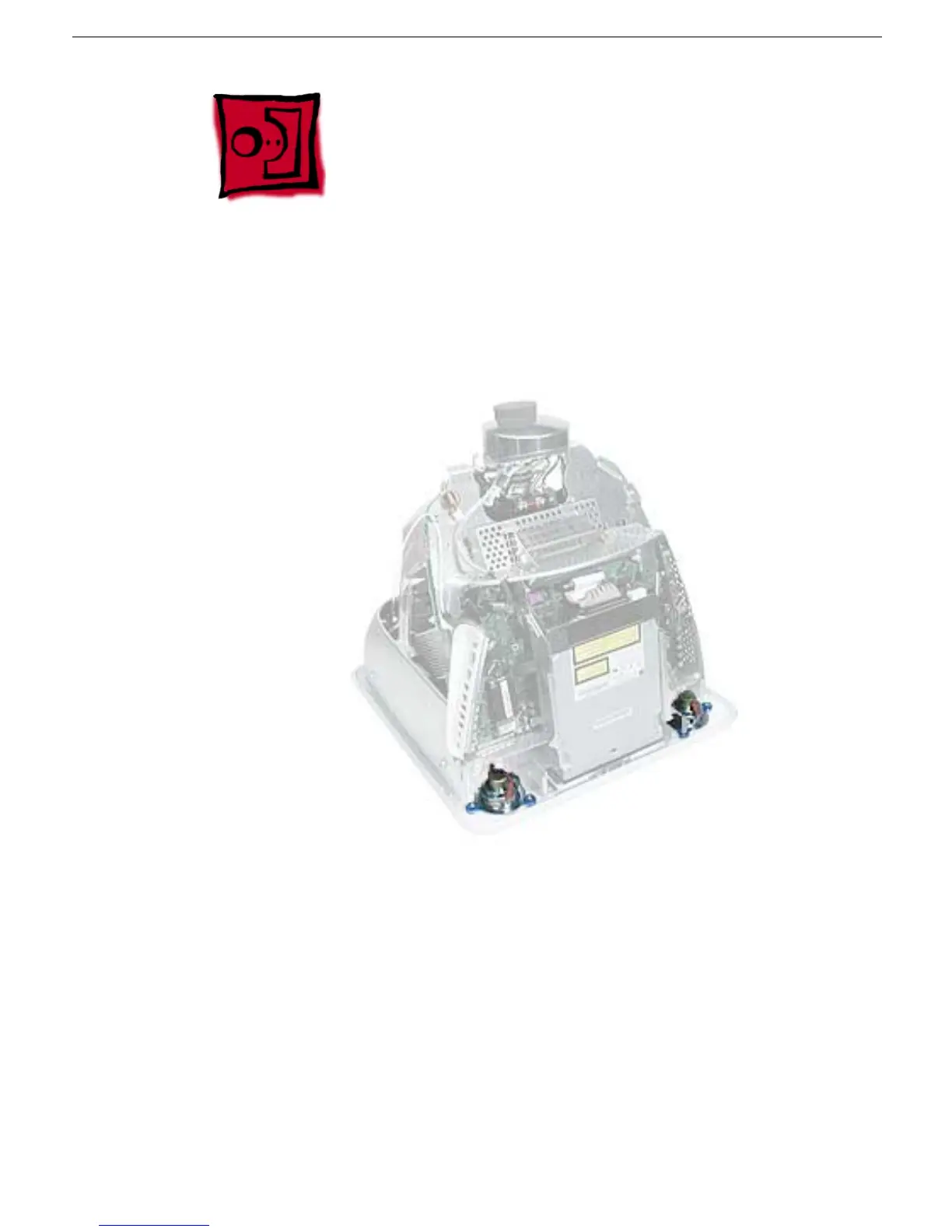
Part Location
Preliminary Steps
Before you begin, do the following:
• Place the computer face down on an ESD mat.
• Remove the user access door.
• Remove the feet.
• Remove the rear housing.
• Discharge the CRT.



 To Next Page