1
5
1
Getting Started
Your eMac has been designed so that you can set it up
quickly and start using it right away. If you have never
used an eMac or are new to Macintosh computers, read
this section for instructions on getting started.
If you are an experienced user, you may already know enough to get started. Be sure to
look over the information in Chapter 2, “Getting to Know Your eMac,” to find out about
the new features of this eMac.
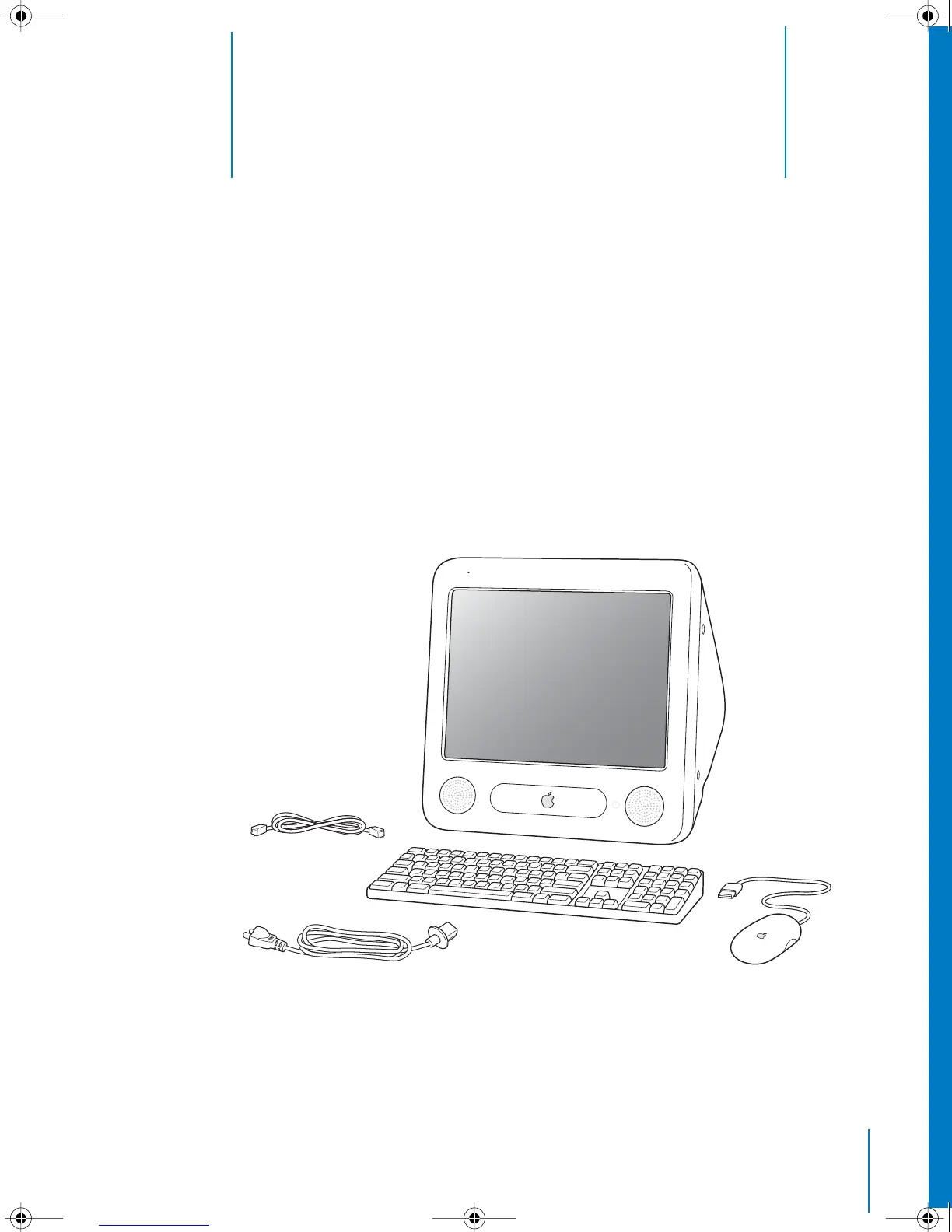
AC cord
Keyboard
Mouse
Telephone cord
LL2522.book Page 5 Wednesday, February 18, 2004 11:53 AM



 To Next Page