6 Chapter 1
Getting Started
Setting Up Your eMac
1
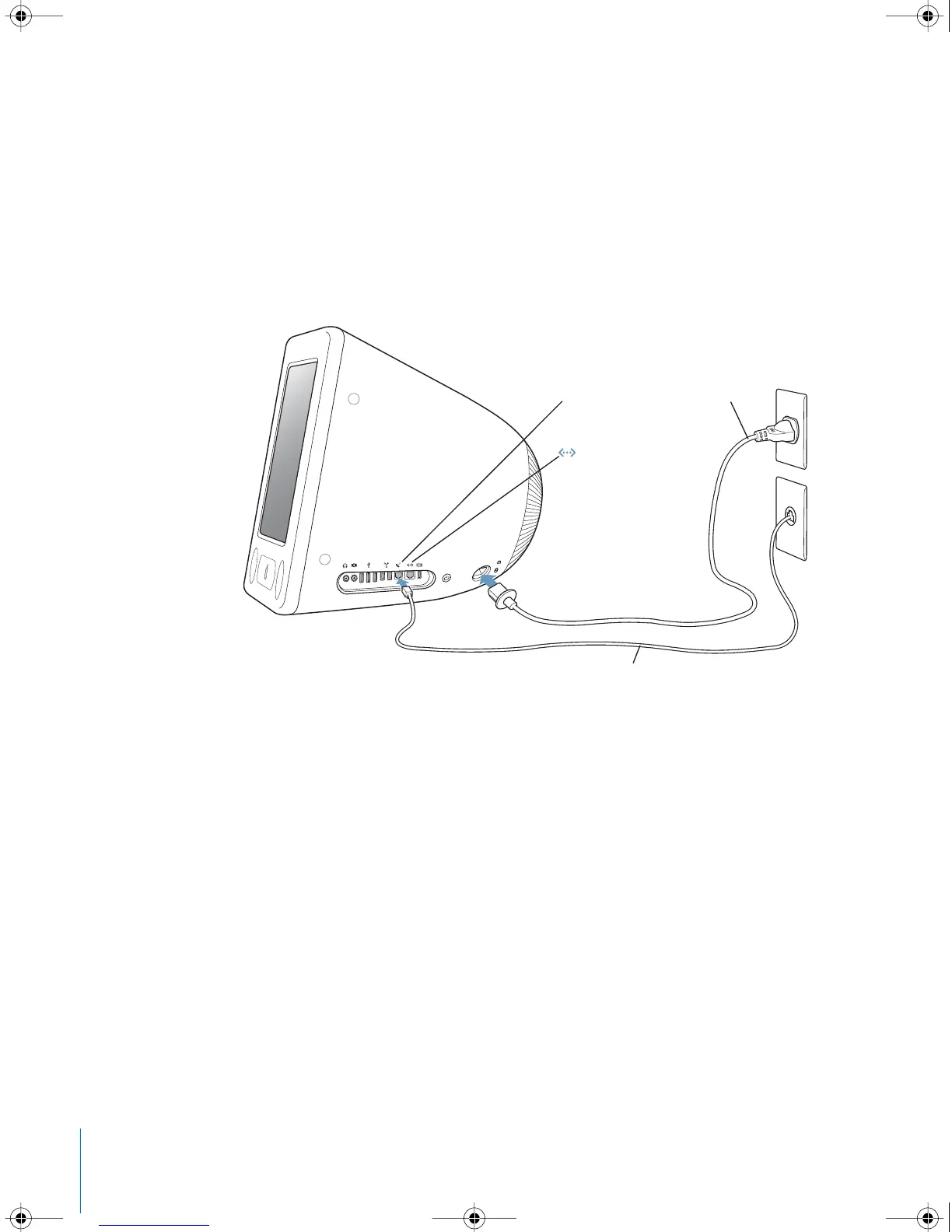
Plug the power cord firmly into the power socket and plug the other end into
a grounded outlet or power strip. See inside the optical drive door panel for voltage
requirements.
2
To enable Internet connectivity, connect your computer’s Ethernet port to an Ethernet
network or to your DSL or cable modem using an Ethernet cable. Or connect your
computer’s modem port (included on some models) to a telephone line using the
included phone cord.
Modem port
W
AC cord
Telephone cord
Ethernet port
LL2522.book Page 6 Wednesday, February 18, 2004 11:53 AM



 To Next Page