Chapter 1
Getting Started
7
3
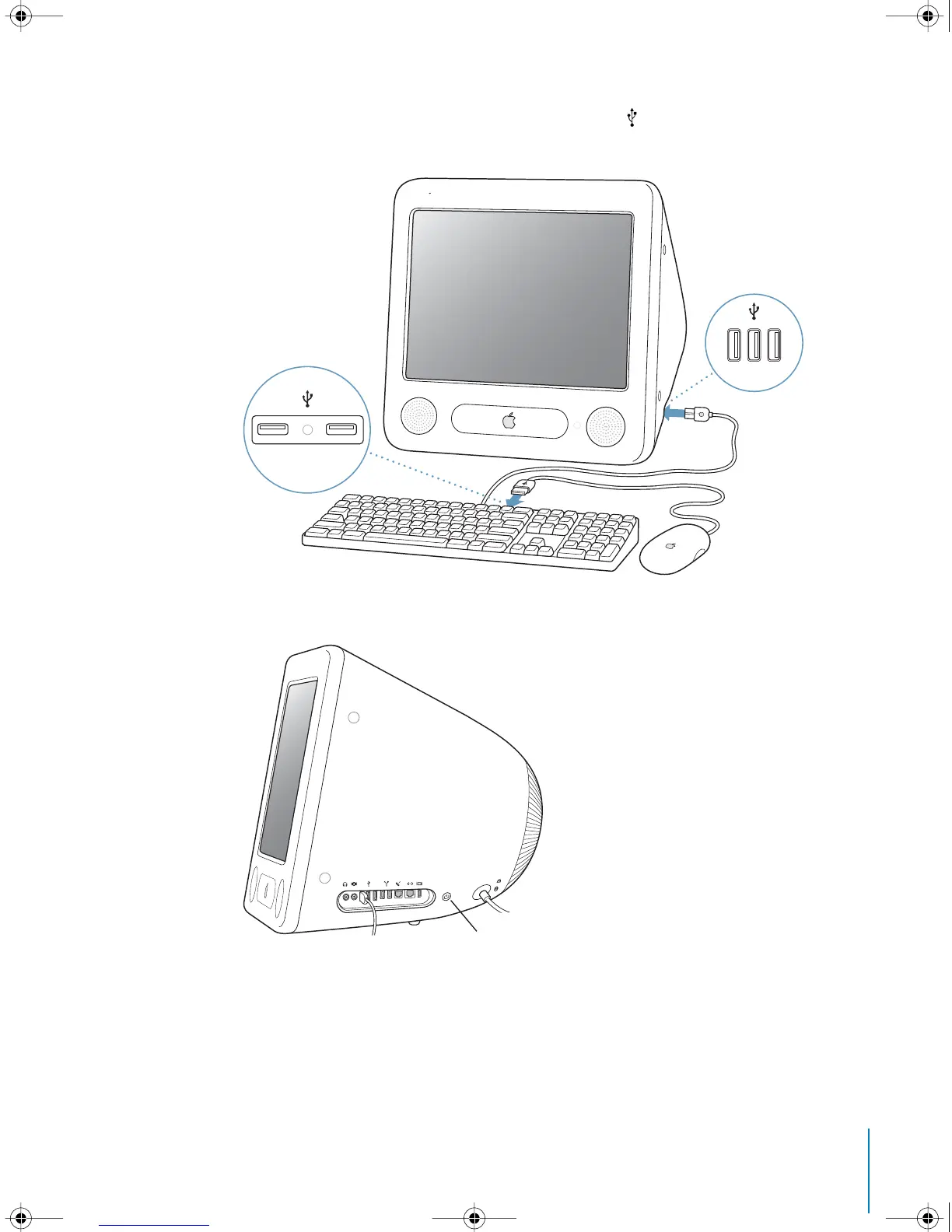
Connect the keyboard cable to one of the USB ports ( ) on the computer. Plug the
mouse cable into a USB port on the keyboard.
4
Turn on your computer by pressing the Power button (
®
) on the side of the computer.
® Power button
LL2522.book Page 7 Wednesday, February 18, 2004 11:53 AM



 To Next Page