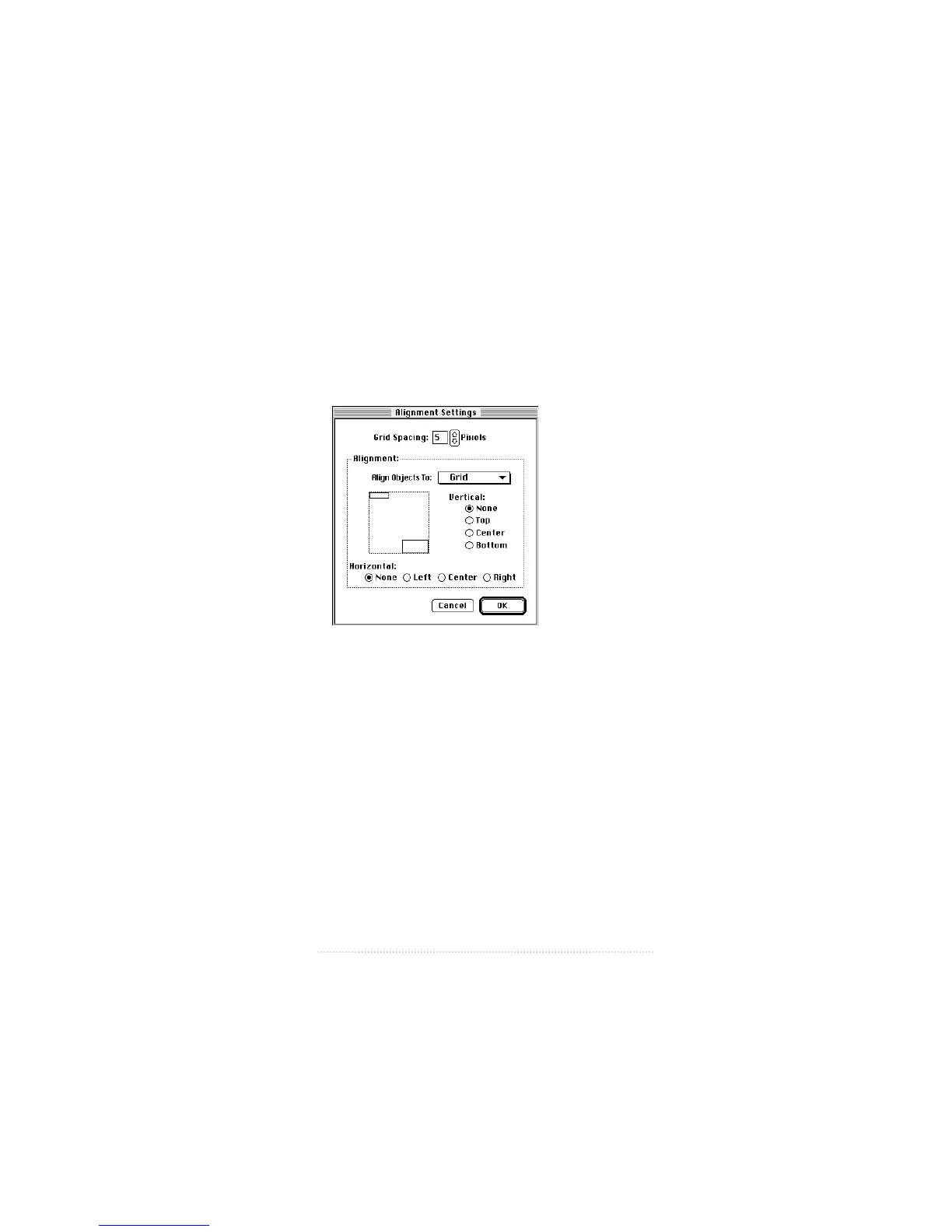
You can align elements on the page to the grid or to each
other.
To align fields to the grid
1 Choose Set Alignment from the Cover Page menu.
The Alignment Settings dialog appears.
2 Set the Grid Spacing you want (in pixels) by typing into the
text box or by using the up and down arrows.
3 Choose Grid from the “Align Objects to” pop-up menu.
4 Choose the alignment you want—vertical, horizontal, or
both.
5 Click OK.
6 Choose the Selection tool in the tool bar.
7 Shift-click to select the fields you want to align.
8 Choose Align from the Cover Page menu.
101
Creating and Managing Cover Pages



 To Next Page