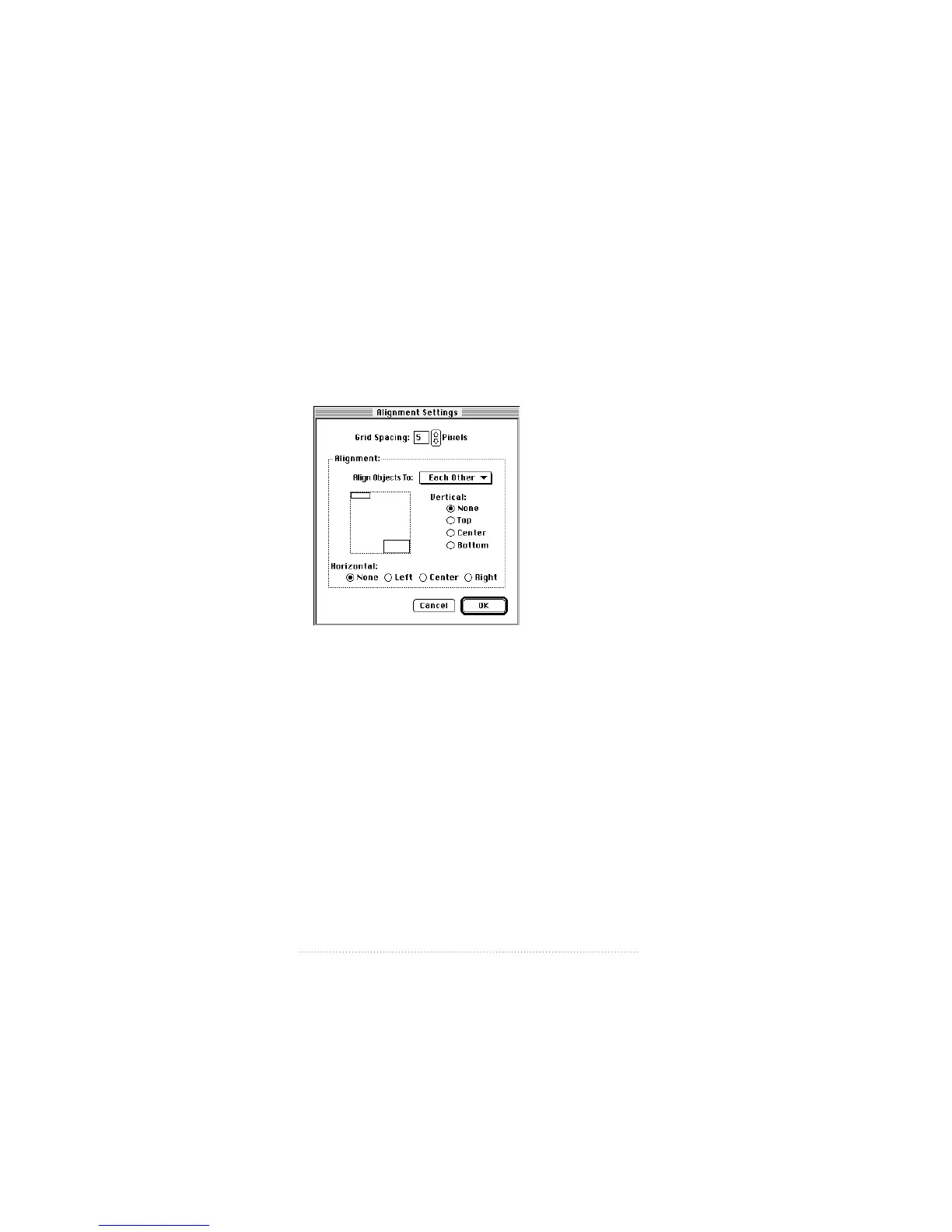
The selected fields are aligned to the grid according to the
settings you chose in the Set Alignment dialog box.
To align fields to each other
1 Choose Set Alignment from the Cover Page menu.
The Set Alignment dialog appears.
2 Choose Each Other from the “Align Objects to” pop-up
menu.
3 Choose the alignment you want—vertical, horizontal,
or both.
4 Click OK.
5 Choose the Selection tool in the tool bar.
6 Shift-click to select the fields you want to align.
7 Choose Align from the Cover Page menu.
The selected fields are aligned to each other according to
the settings you chose in the Set Alignment dialog box.
102
Chapter 6



 To Next Page