Another way to send a document is to drag it onto an
information card, if you have designated the fax address as
the “preferred” electronic address. Adding fax addresses is
explained in the following section.
Adding fax addresses to your PowerTalk
information cards
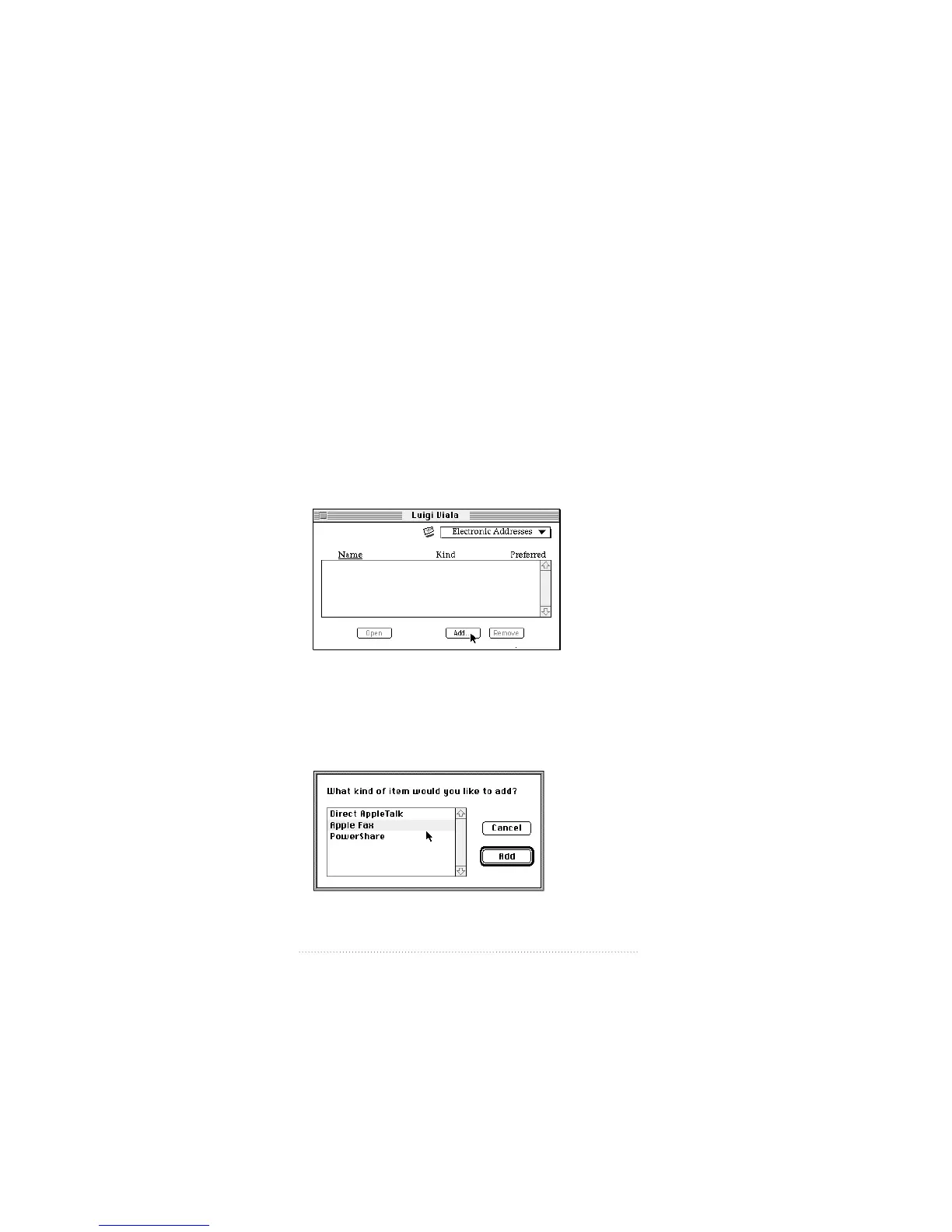
To add a fax address to a PowerTalk information card
1 Open an information card and select Electronic Addresses
from the pop-up menu.
The Electronic Addresses for the card are displayed.
If you want to create a new information card, open your
personal catalog, select New User from the Catalog menu,
and type in the name for the card.
2 Click Add.
130
Chapter 9



 To Next Page