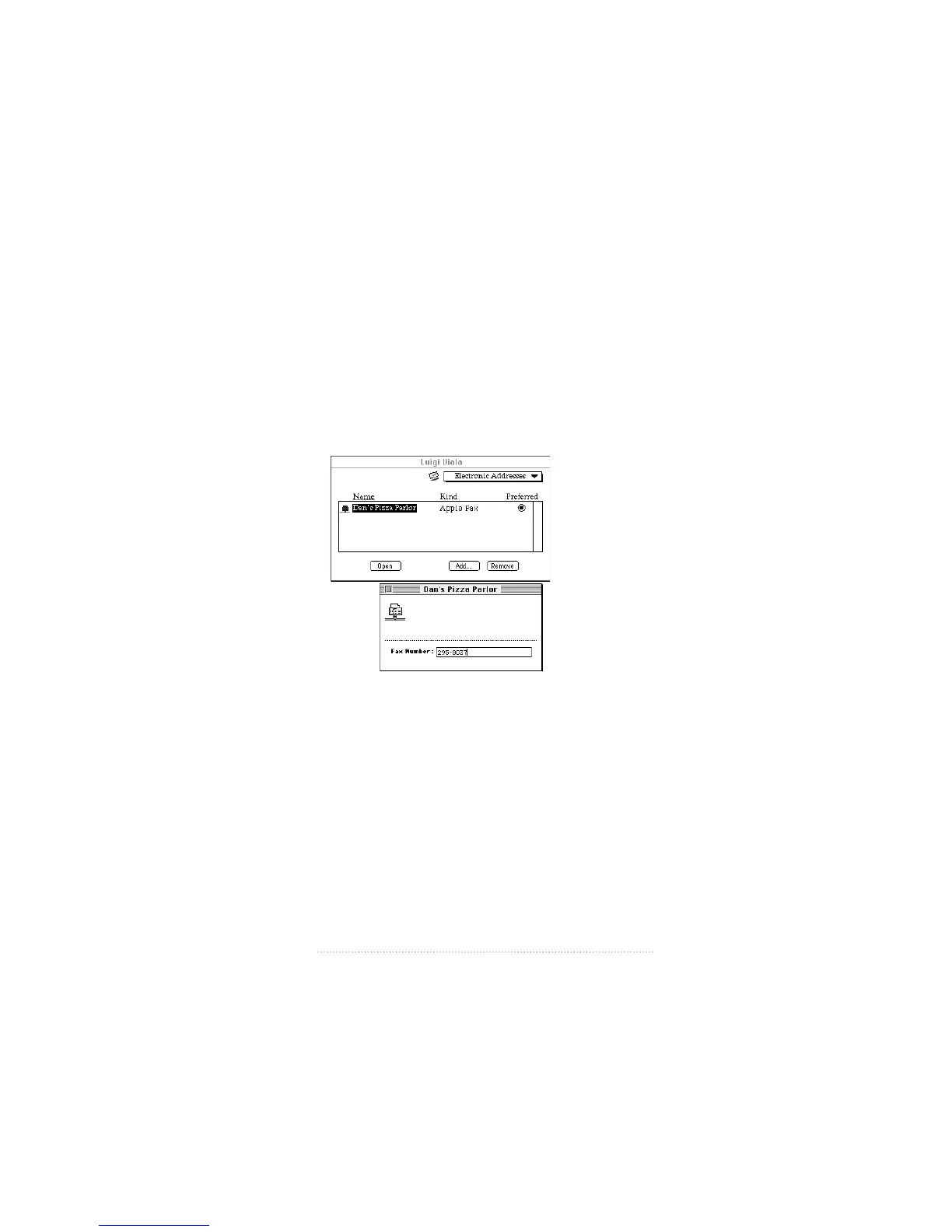
3 Select Apple Fax, then click OK.
A new, untitled fax address appears.
4 Select the untitled user name and type the name of your
recipient.
5 Select the user name, then click Open, or double-click the
user name.
The Fax Number window appears.
6 Click in the Fax Number field and enter the user’s fax
number, then click the close box.
7 If you leave “Preferred” selected, the fax address is the
preferred electronic address. Whenever you select this user
in the addressing panel or drag a document onto the user’s
information card, the fax address is used.
131
Using Apple Fax Gateway



 To Next Page