Receiving fax documents with PowerTalk
You can receive faxes from any fax machine or fax modem.
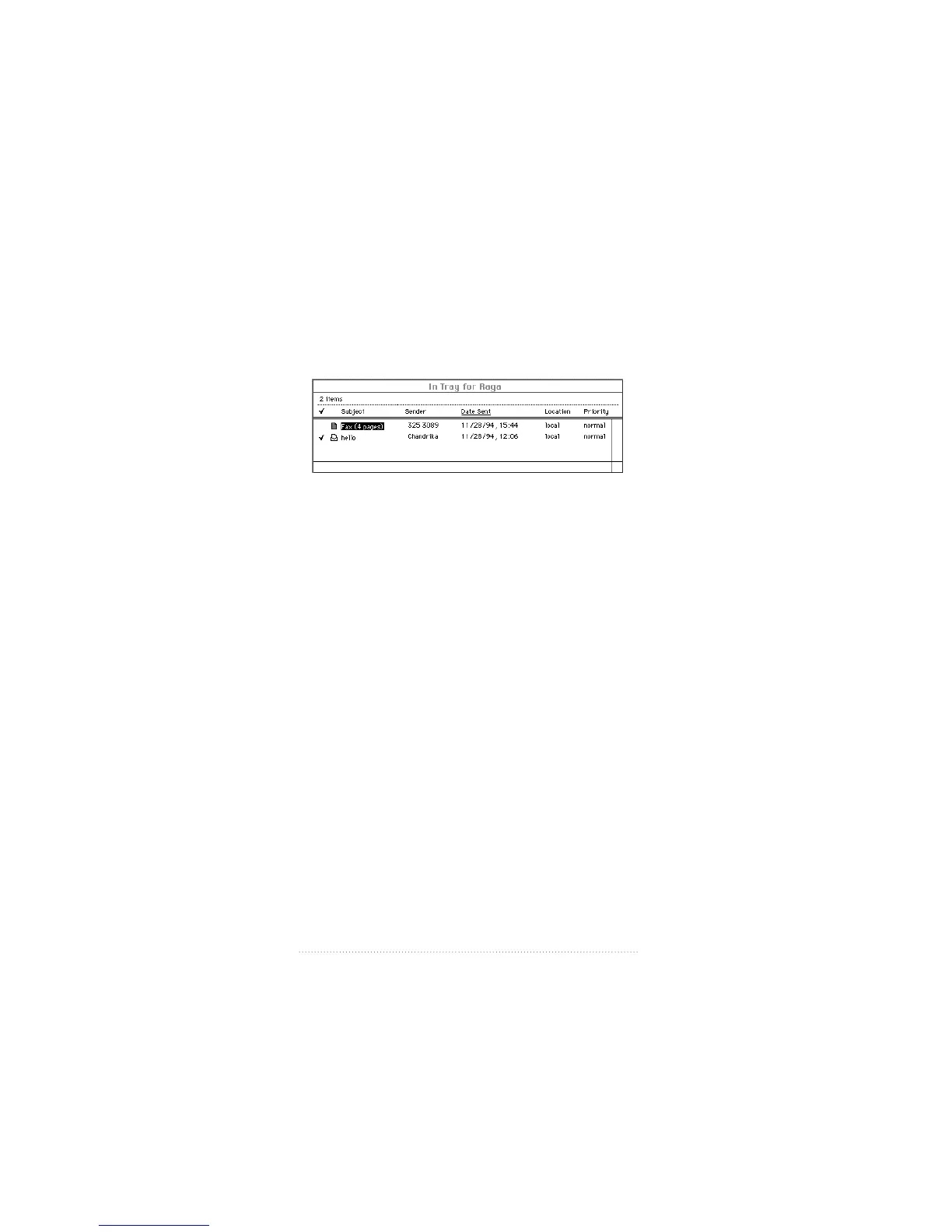
When you receive a fax, it appears in your In Tray just like
any other incoming mail.
Opening received fax documents
To open a received fax from your In Tray
1 Double-click the document.
Apple Fax opens it in a fax view window. You can view, edit,
and print it.
See also: Chapter 5, “Viewing, Editing, and Printing faxes” for
complete information about these features.
132
Chapter 9



 To Next Page