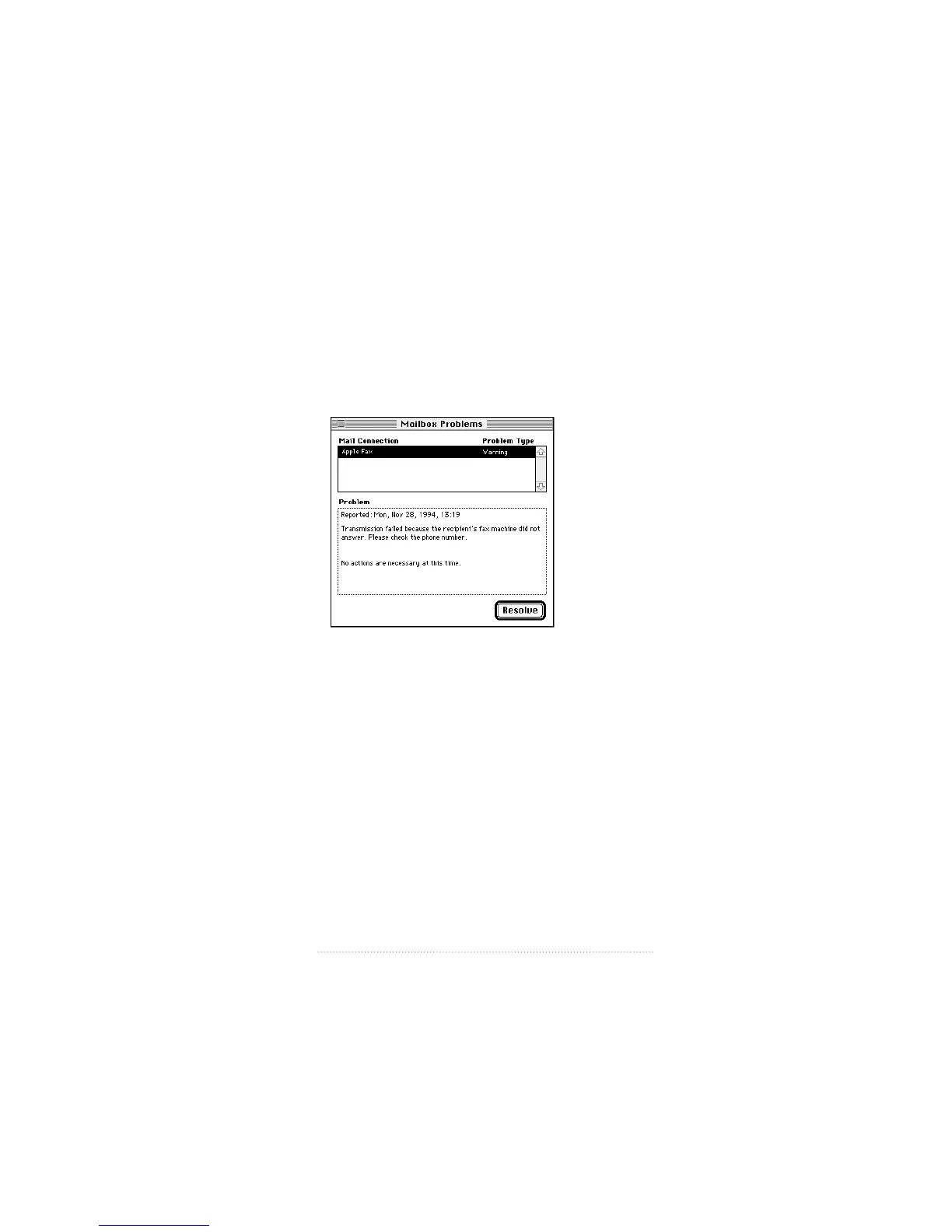
Problem alerts
If an error occurs while sending or receiving a fax, you will
get a problem alert in your Out Tray or In Tray.
To see and resolve a problem alert
1 Click the Problem Alert icon in your In Tray or Out Tray.
The Problem Alert appears with an explanation of the
problem.
2 Click Resolve to remove the alert, or simply close the
window to leave it unresolved.
133
Using Apple Fax Gateway



 To Next Page