Selecting a cover page
You can choose a cover page to be sent with your fax, or you
can choose to have no cover page. Several sample cover
pages are provided for you; they are installed when you
install the Apple Fax program. In addition, you can create
and install as many customized cover pages as you like.
See also: Chapter 6, “Creating and Managing Cover Pages”
for a complete explanation of creating and managing cover
pages.
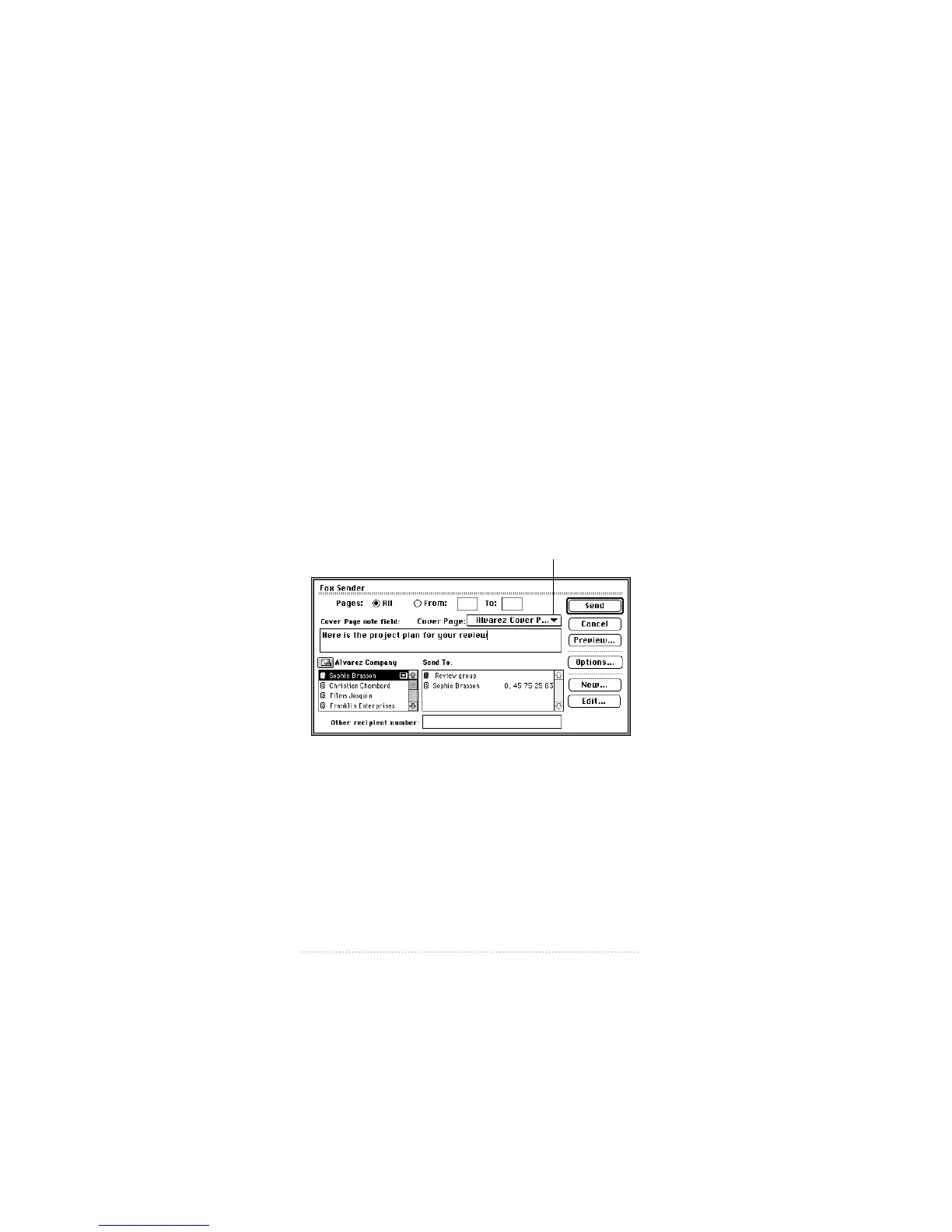
You can select a cover page from the Fax Sender dialog box
or Quick Fax window that appears whenever you send,
readdress, resend, merge, or forward fax documents.
To select a cover page for a fax document from the
Fax Sender dialog box or Quick Fax window
1 Select the cover page (or None, if you don’t want any cover
page) from the Cover Page pop-up menu.
All installed cover pages appear in the pop-up menu.
52
Chapter 3
Choose cover page
from this pop-up menu



 To Next Page