Preview options
You can preview any fax or Quick Fax document to see how
it will appear to the recipient when you send it.
To preview a fax from the Fax Sender dialog box or Quick
Fax window
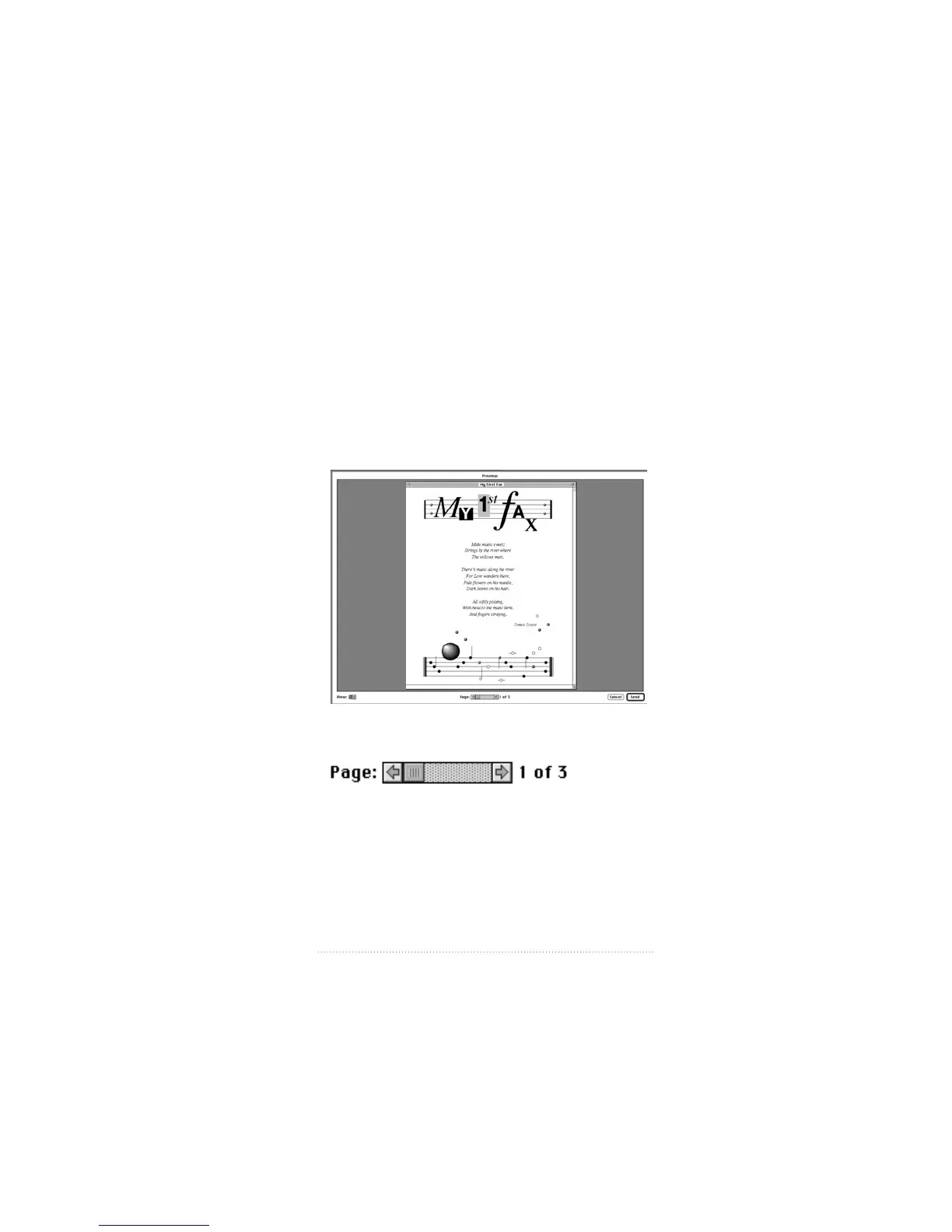
1 Click Preview.
Your fax is imaged and displayed as it will appear when you
send it.
2 Use the scroll bar to navigate from page to page.
53
Fax Send Advanced Options



 To Next Page