3 Choose a recipient or type a number in the “Other Recipient
Number” field.
4 Click Send.
After Fax Sender has prepared your fax for sending, a beep
and a blinking icon notifies you that your fax can now be
sent by dialing manually.
5 Select Apple Telecom Status from the Application menu.
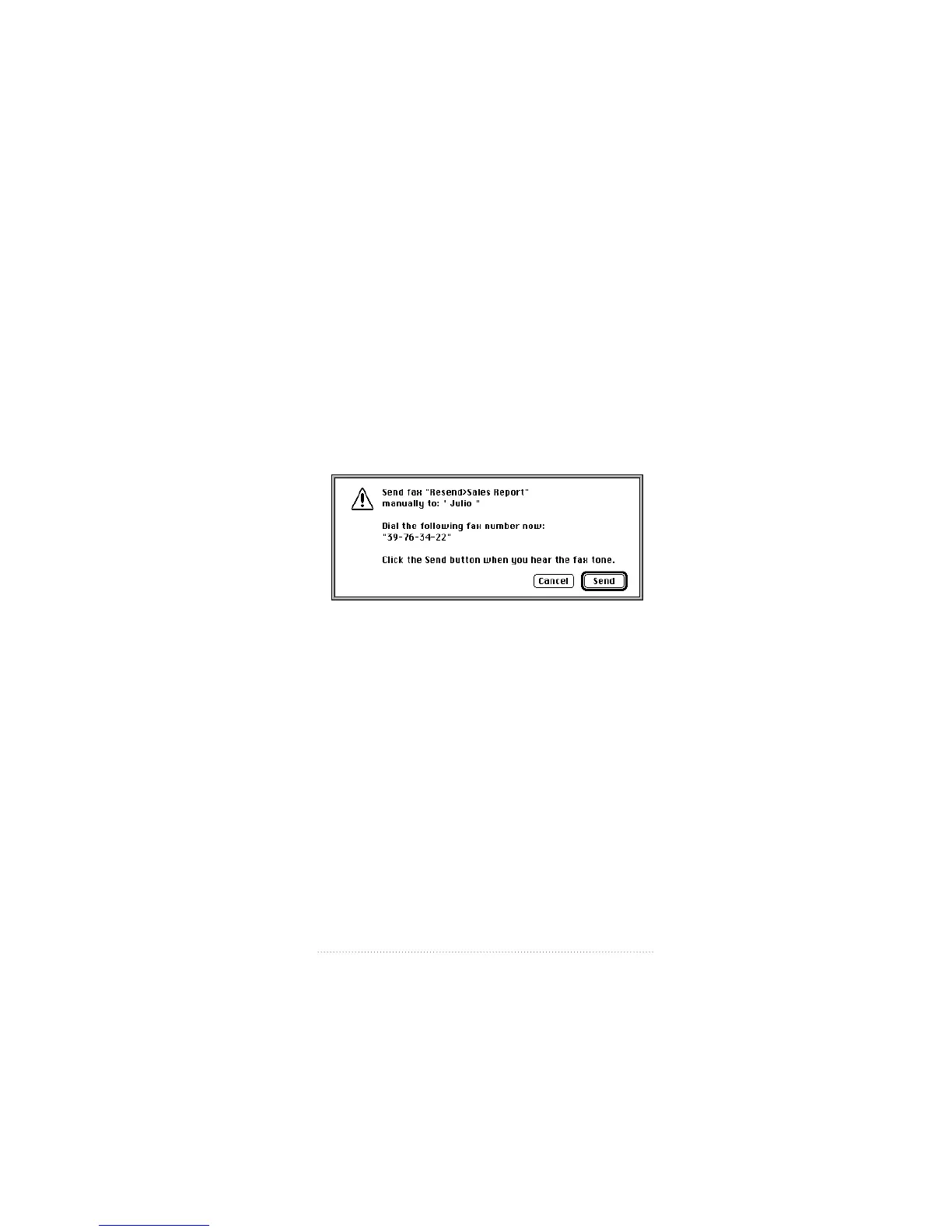
The Manual Dial dialog box appears.
6 Follow the instructions in the Manual Dial dialog box.
m Dial your recipient’s fax number from your handset.
m Click Send when you hear your recipient’s fax tone.
59
Fax Send Advanced Options



 To Next Page