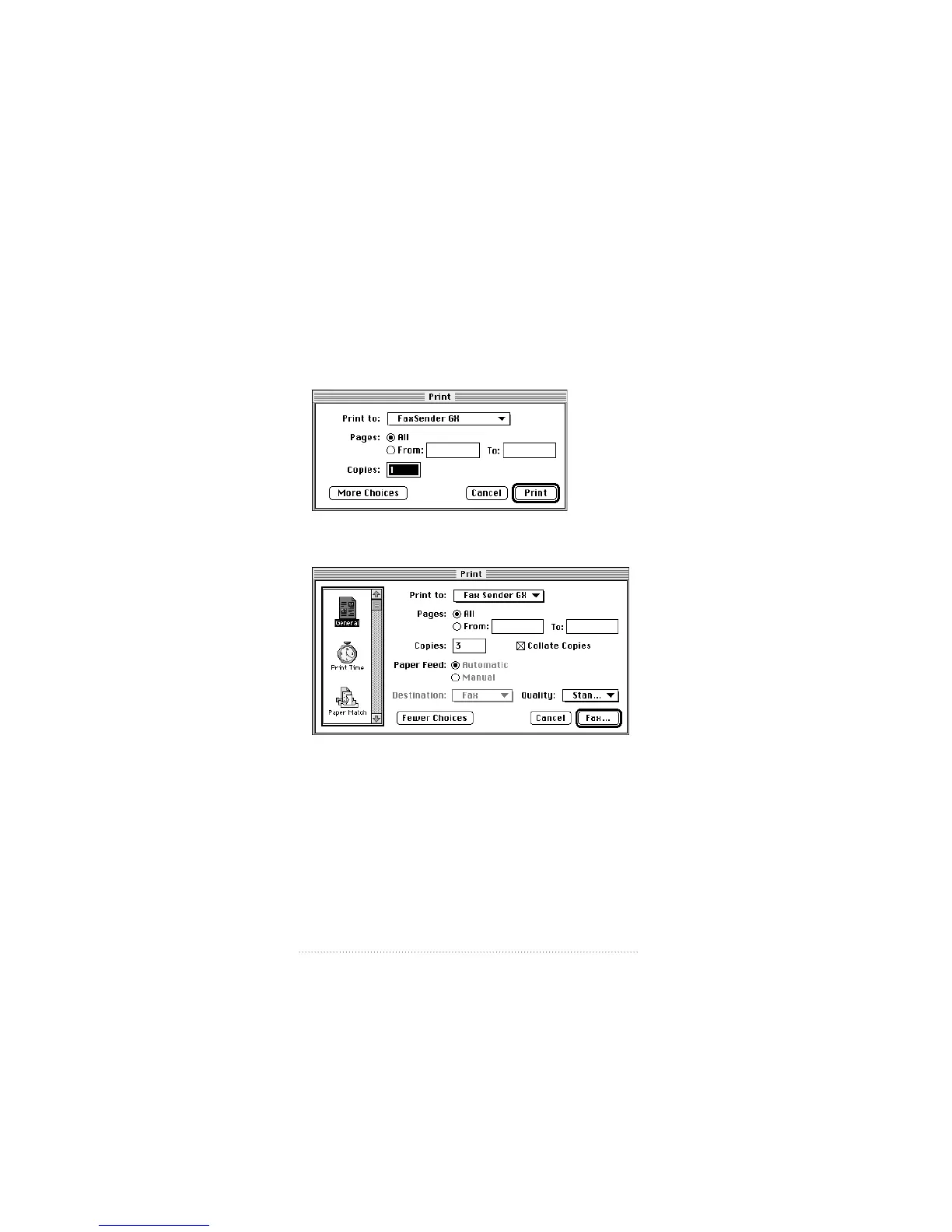
Print dialog box options
You are now ready to send your fax.
1 Select Print from the File menu.
The Fax Sender GX print dialog box appears.
2 To see more options, click More Choices.
3 Select the General print icon in the upper left corner if it is
not already selected.
4 Be sure that Fax Sender GX is selected in the “Print to” pop-
up menu.
62
Chapter 3



 To Next Page