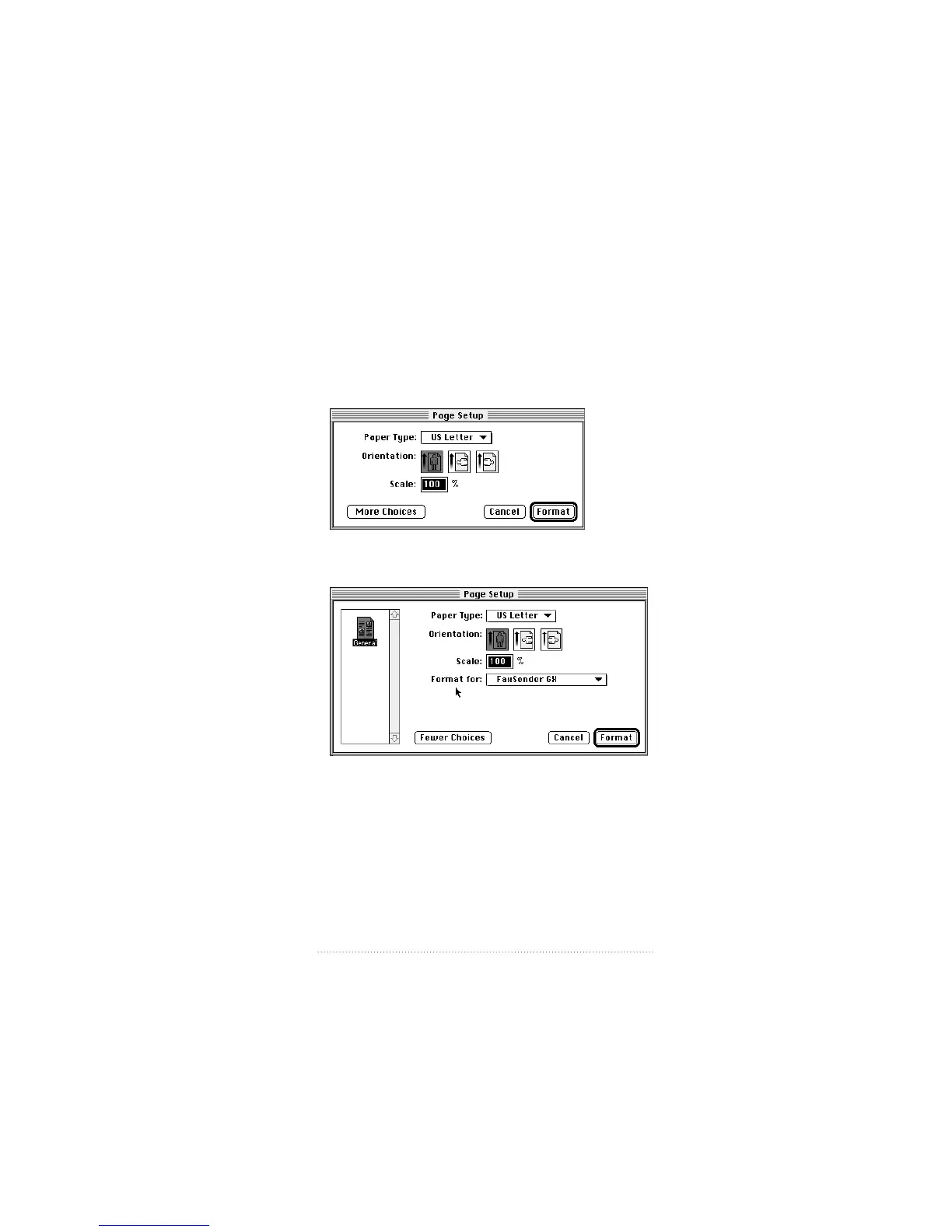
Fax Sender GX Page Setup
Before sending your document, you need to select the
appropriate Page Setup options.
1 Select Page Setup from the File menu.
The Fax Sender GX Page Setup dialog box appears.
2 To see more options, click More Choices.
3 Select the Paper Type, Orientation, and Scale settings you
want. Be sure that Fax Sender GX is selected in the “Format
for” pop-up menu.
4 Click Format.
61
Fax Send Advanced Options



 To Next Page