To receive a fax manually
1 Make sure that Fax Answering is set to off.
2 Answer the incoming call using the handset.
3 When your correspondent is ready to send you a fax, choose
Receive Manually from the Fax menu.
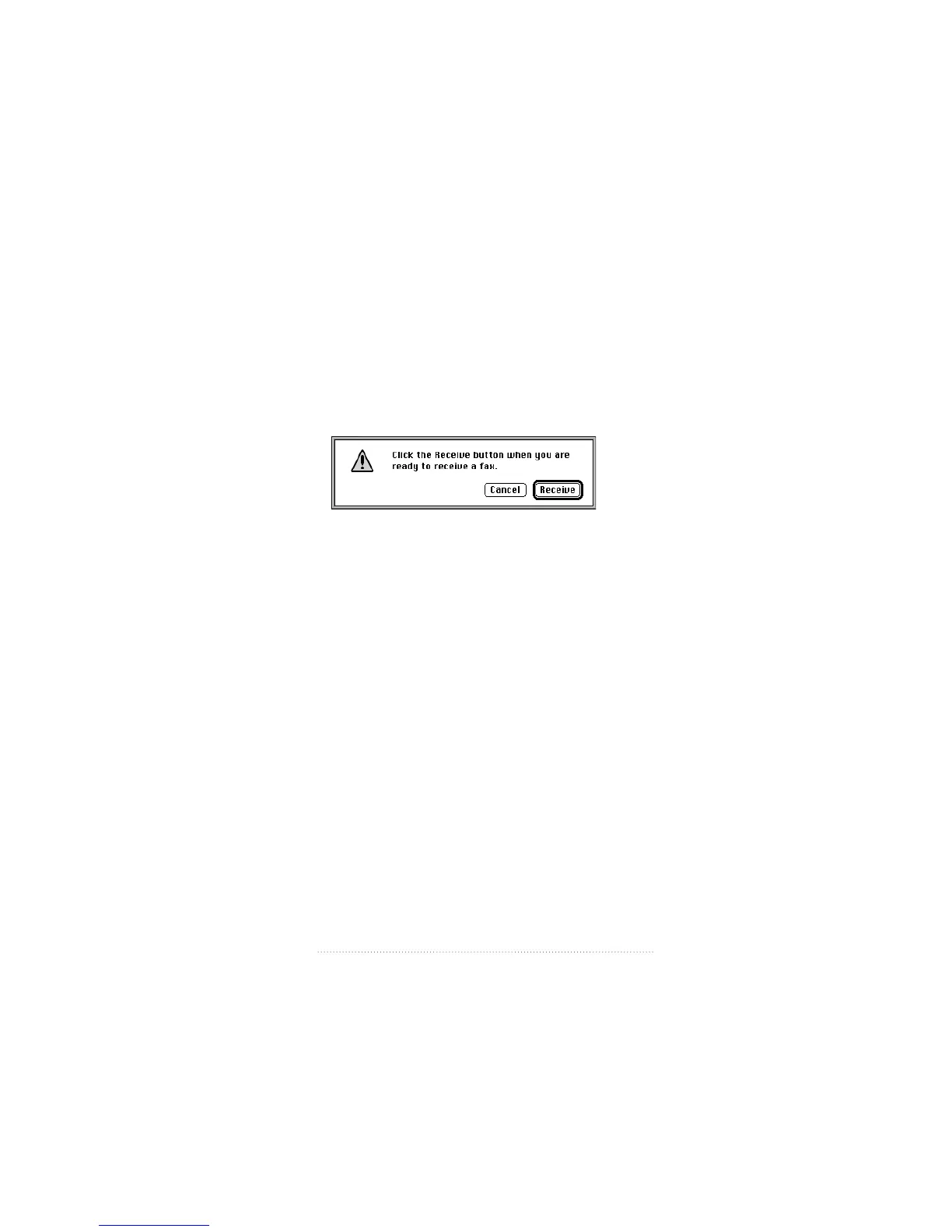
The Receive Fax dialog box appears.
4 When you hear the fax tone, click Receive.
When reception is complete, the fax appears in the list of
received faxes.
Opening a received fax document
To open a received fax document for viewing, editing, or
printing
1 Make sure you are viewing the main window display in
Incoming fax view (click Incoming, if necessary).
2 Select the fax you want to open from the list, then click
Open; or, double-click the fax you want to view.
The fax opens in a fax view window.
See also: Chapter 5, “Viewing, editing, and printing faxes” for
a complete explanation of all of the features available in fax
view windows.
75
Fax Receive Advanced Options



 To Next Page