Forwarding received faxes
You can easily forward a fax you have received to one or
more recipients. You can also merge several fax documents
and forward them as a single document. When you forward
faxes, they do not need to be imaged since they are already
in fax format. This makes forwarding a relatively quick
operation, certainly quicker than sending the document
from the program that created it.
To forward a received fax
1 Make sure you are viewing the main window display in
Incoming fax view (click Incoming, if necessary).
2 Select the fax you want to forward from the list, then click
Forward.
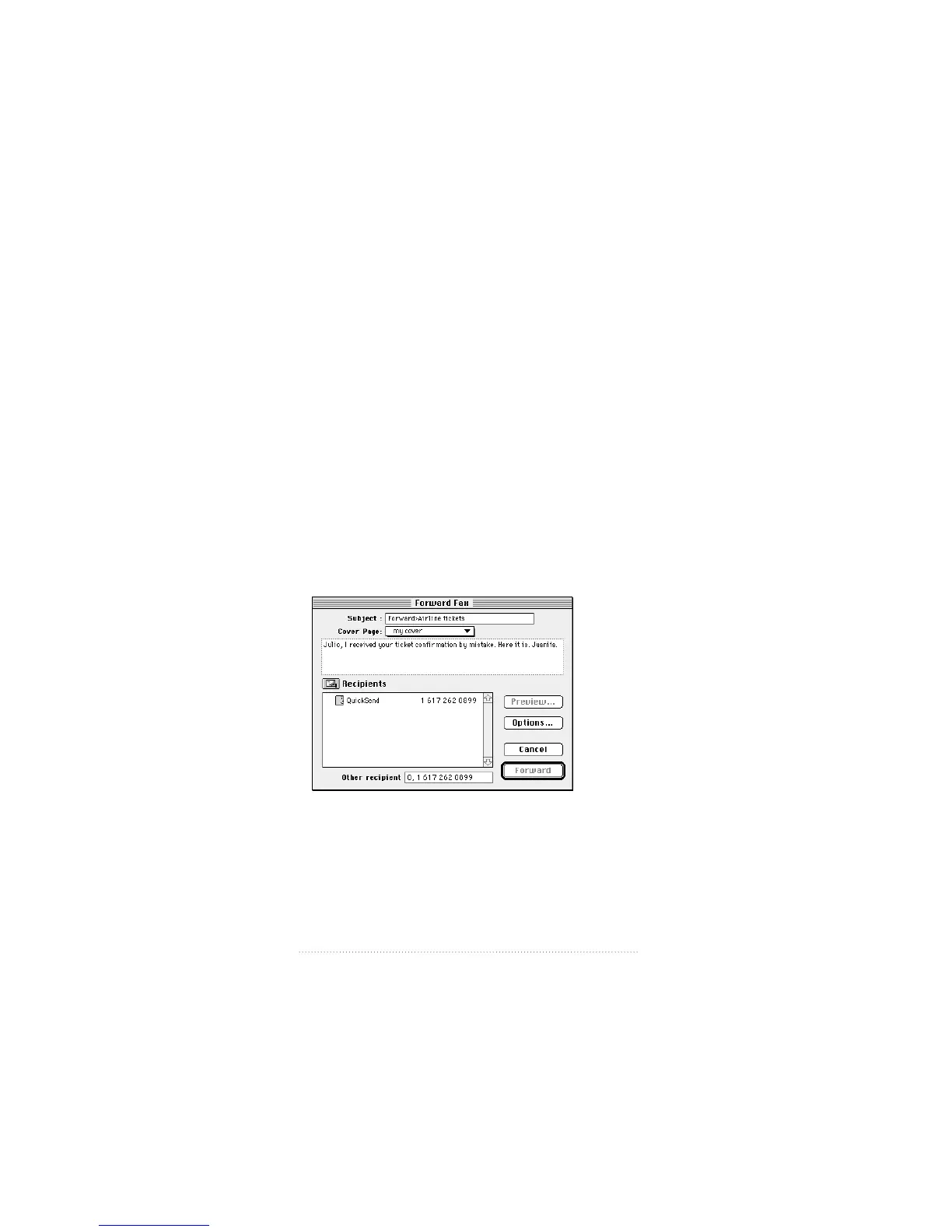
The Forward Fax window appears.
The options for forwarding a fax (cover information,
recipients, etc.) are the same as for sending a fax.
76
Chapter 4



 To Next Page