iBook G4 (12-inch Mid 2005) Take Apart -
26
Bottom Case
9.
Warning:
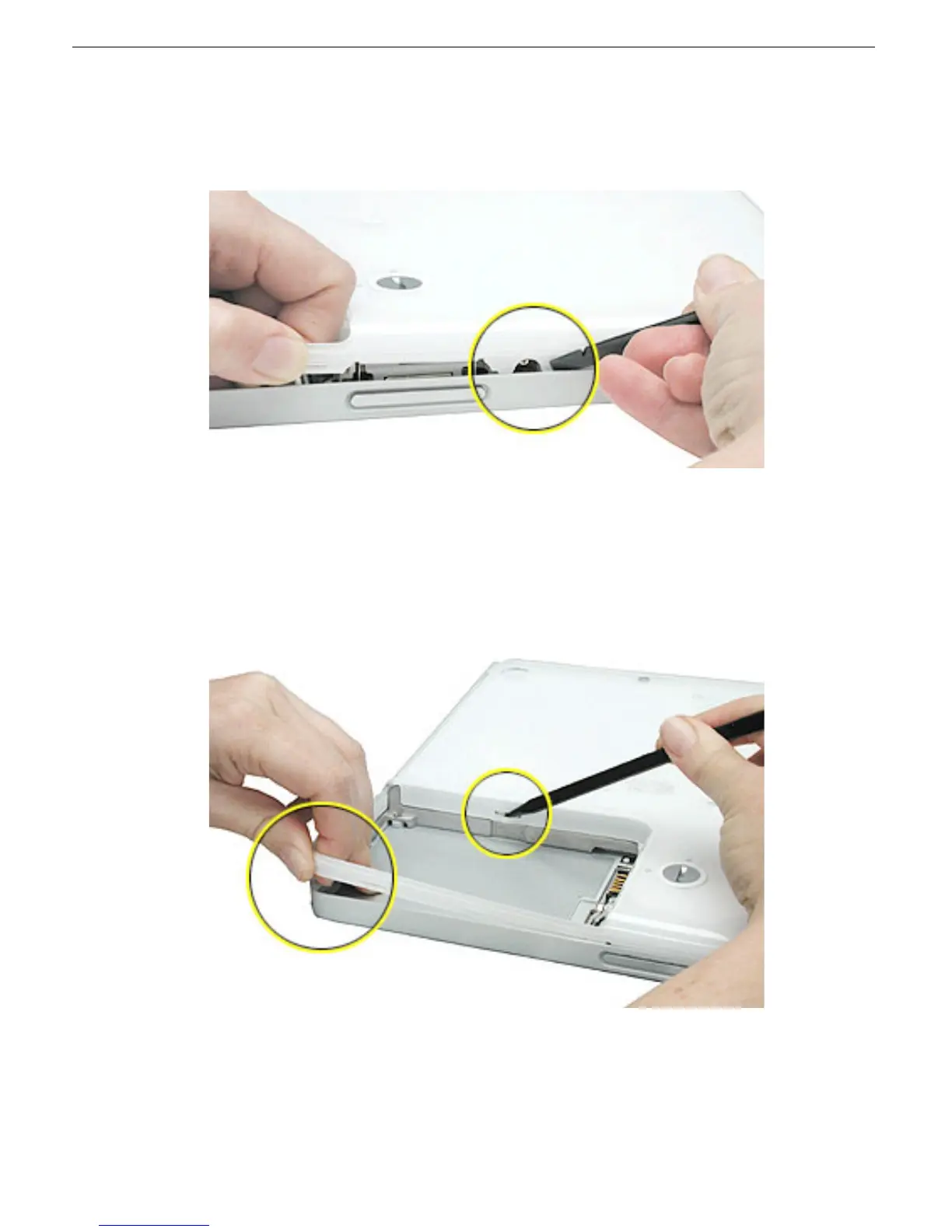
To avoid damaging the sleep light and other delicate components, do
not insert the black stick too far into the computer as you free the bottom case
from the computer. Use just the tip of the black stick to pry up the bottom case.
10. Carefully work the black stick around the corners of the bottom case.
The bottom case fits snugly. Use moderate force to remove the tabs from the slots.
11. In the battery compartment, lift up the corner of the bottom case, and use a black stick
or jeweler’s flat-blade screwdriver to gently pry up the slot from the inner tabs on the
frame.



 To Next Page