27 -
iBook G4 (12-inch Mid 2005) Take Apart
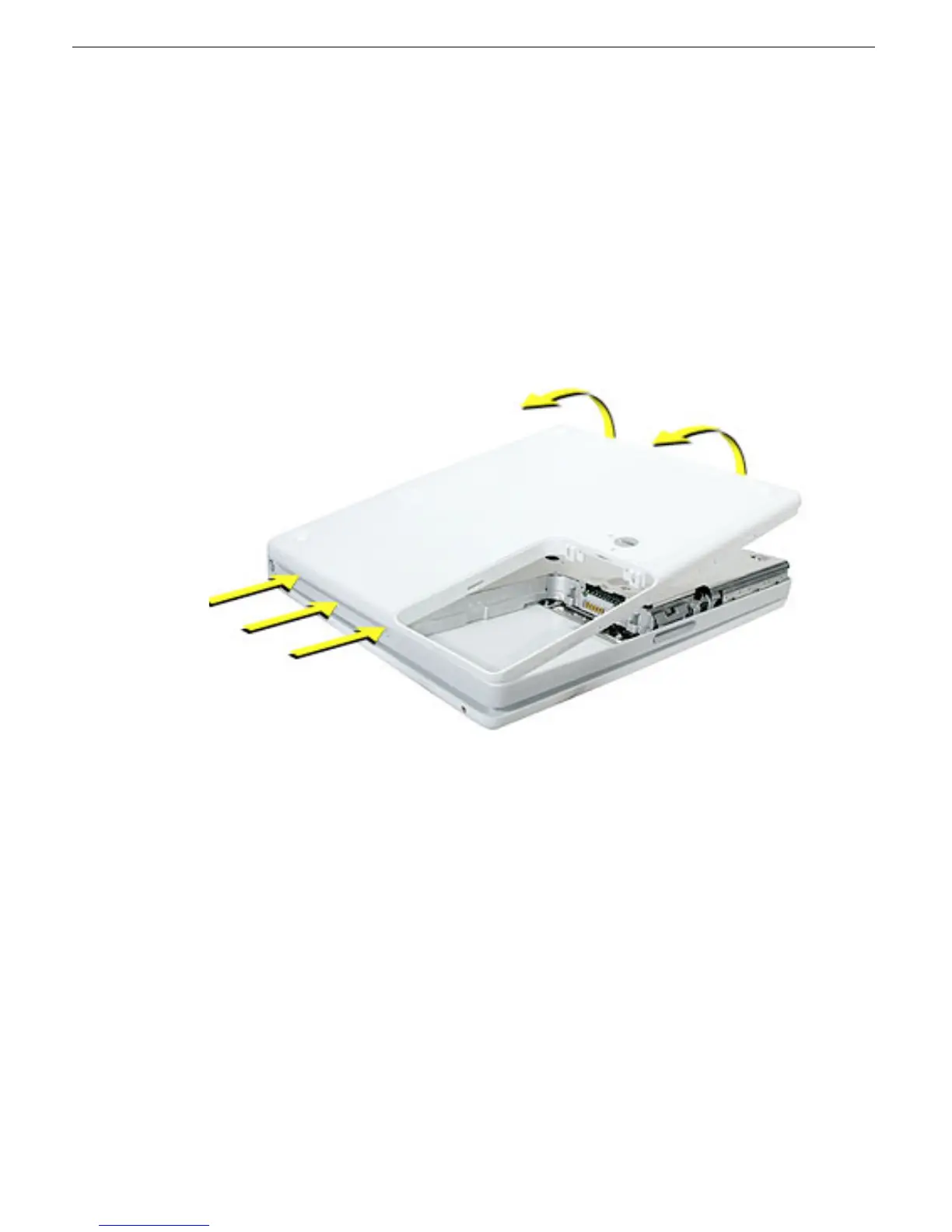
Bottom Case
12.
Note:
For this step, a black stick works best.
Loosen the tabs from the slot load area last.
Pull up on the port side of the bottom case.
Placing the black stick nearly parallel to the slot drive opening, carefully free the case
from the remaining tabs at the slot drive side of the computer.
Note:
When reassembling the computer, be careful not to pinch any cables as
you press the bottom case back onto the computer. Check that the bottom case
shows no raised surfaces and is fully snapped into place before installing the
remaining screws, sockets, and feet.



 To Next Page