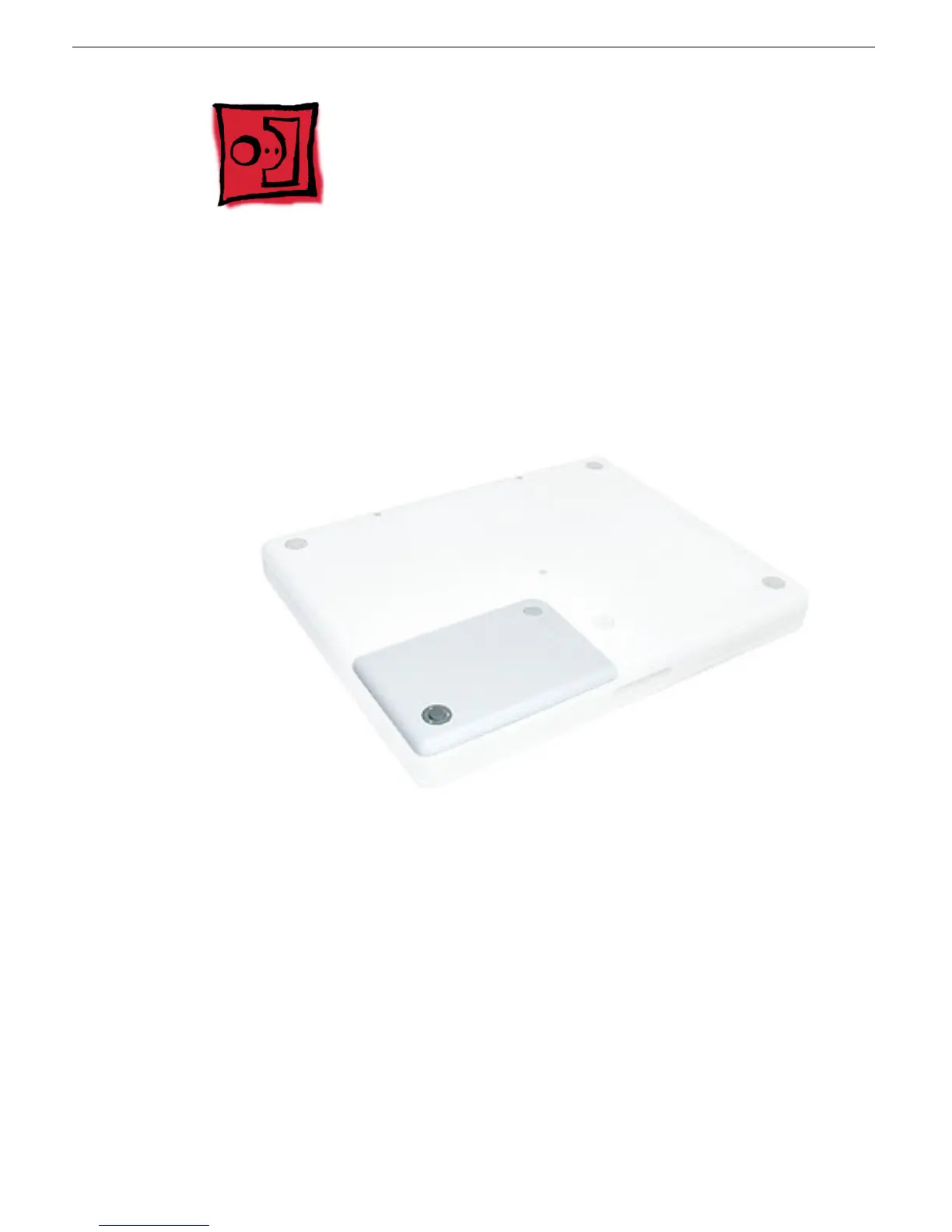
iBook G4 (12-inch Mid 2005) Take Apart -
6
Battery
Battery
Tools
The only tool required for this procedure is a coin.
Part Location
Preliminary Steps
Warning: Always shut down the computer before opening it to avoid damaging its
internal components or causing injury. After you shut down the computer, the
internal components can be very hot. Let the computer cool down for 30 minutes
before continuing.
Procedure
Warning:
If the computer has been recently operating, allow it to cool down before
performing this procedure.
1. Place the computer on a clean, flat surface.
2. Shut down the computer and wait thirty minutes before continuing.



 To Next Page