71 - iBook G4 (12-inch Mid 2005) Take Apart
Hard Drive
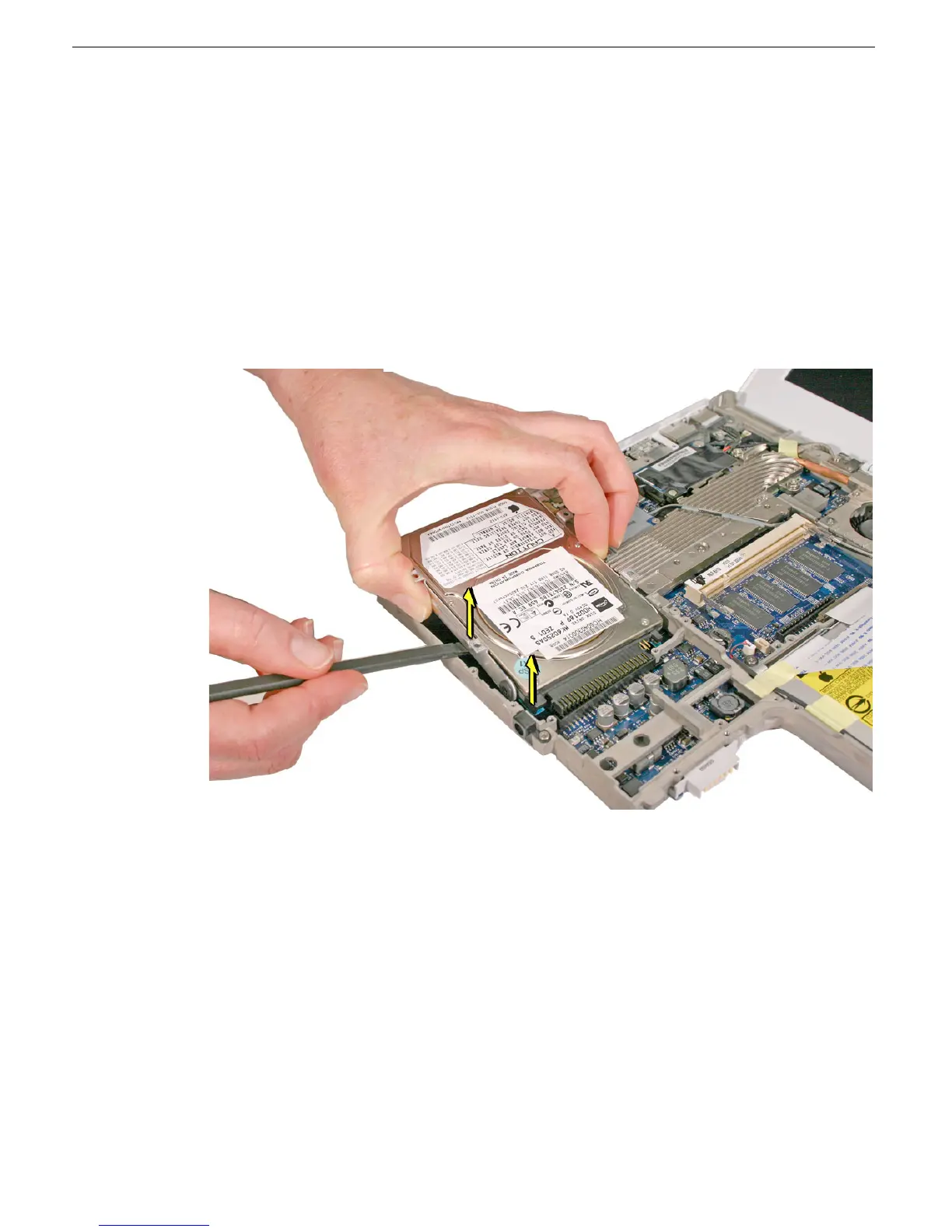
6. Lift up the end of the drive until you can grasp its sides.
7. Warning: Handle the hard drive at the sides only. Do not touch or press
anywhere else on the drive.
LIft up the drive just slightly to loosen the hard drive connector.
8. From the end of the drive that is closest to the corner of the frame, tilt up the hard
drive, and loosen it from the connector on the logic board. Use a black stick to pry up
the drive.
Important: Keep the drive as level as possible as you lift it straight up out of the
computer assembly.



 To Next Page