73 - iBook G4 (12-inch Mid 2005) Take Apart
Hard Drive
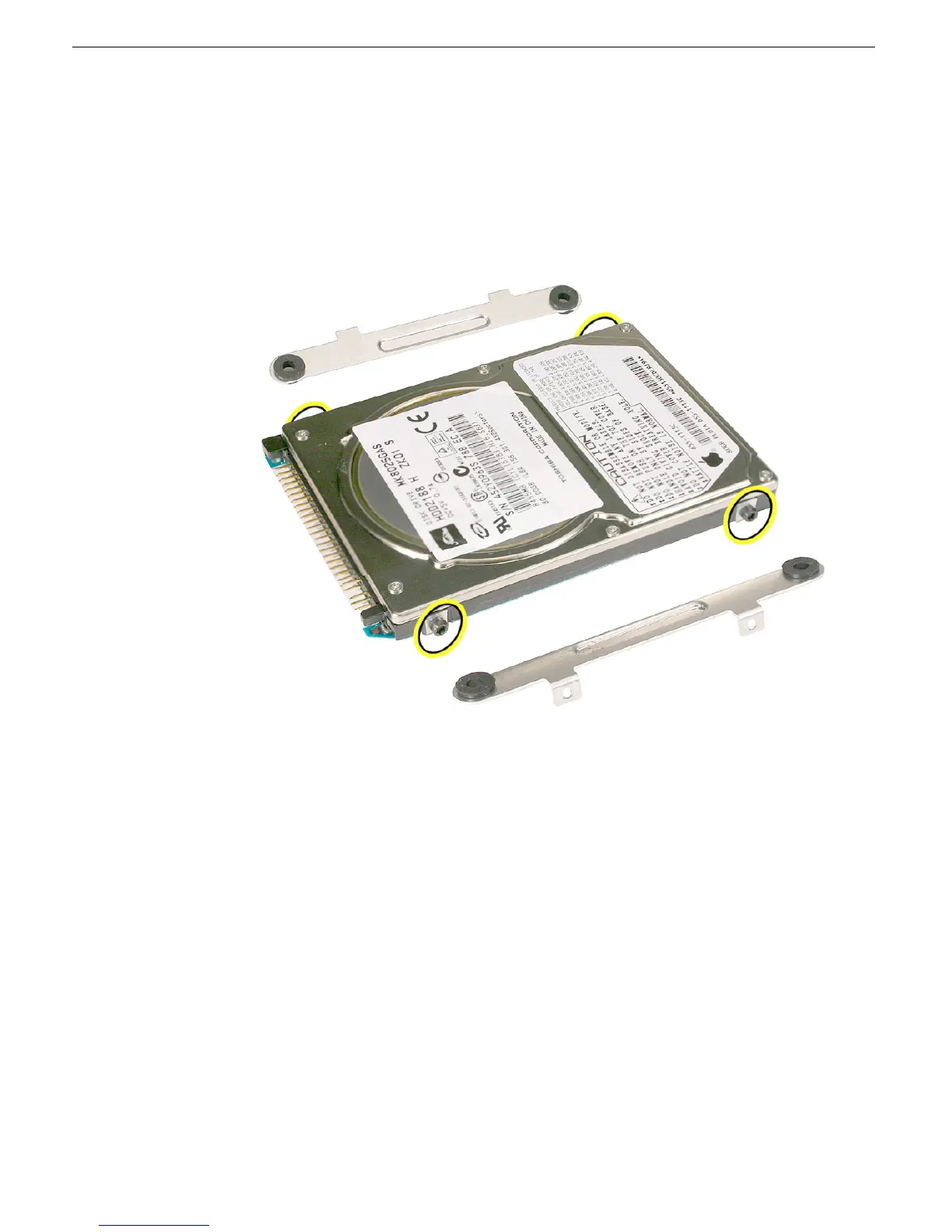
10. Remove the hard drive brackets (with grommets attached) by pulling them straight off
the drive.
Note: When reassembling the computer, transfer both brackets (including the
grommets) to the replacement hard drive so the grommets fit over the screw heads.
11. Using a Torx T8 screwdriver, remove the four identical, black, 7-mm long screws from
the sides of the drive.



 To Next Page