EasyManua.ls Logo

Apple II - Page 156

Apple II
188 pages
Print Icon
To Next Page IconTo Next Page
To Previous Page IconTo Previous Page
Loading...
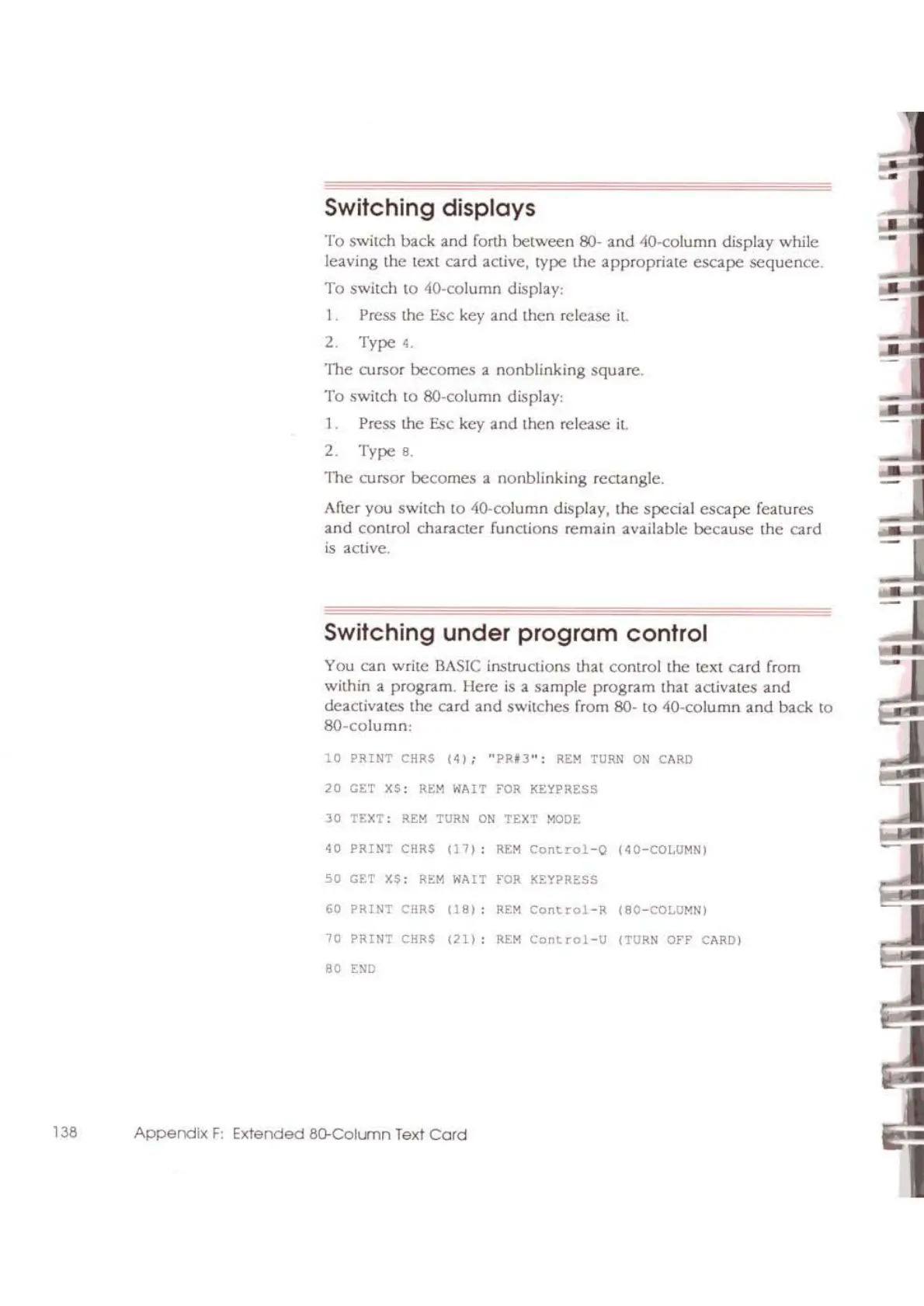
Switching displays
To switch back and ronh
between
80-
and
40-column display while
leaving the text
card
active, type
the
appropriate
escape
sequence.
To switch
to
40-column display:
I.
Press
the Esc key
and
then release il.
2. Type
4.
The cursor becomes a
nonblinking
square.
To
switch to SO-column display:
1.
Press
the Esc
key
and then release il.
2.
Type
8.
TIle cursor becomes a nonblinking rcclangle.
After you switch
to
ilo-column display, the special
escape
features
and
comrol character
funaions
remain available
because
the
card
is active.
Switching
under
program
control
You can write
BASIC
irl5lructions that control
the
text
card
from
within a
program. Here
is
a
sample
program that activates
and
deactivates the card
and
switches from 80-
to
40-column
and
back to
80-column:
"
PRINT
CIiRS
(4)
;
"PRfJ"
:
REM
TURN
ON
CARD
"
m
XS:
RtM
WAIT FOR
KEYPRESS
"
TtXT:
RtM
TURN
ON
TEXT
MODE
"
PRINT
CRRS
11
7)
:
REM
COlltrol-O
(~O-COLOMN
l
"
m
XS:
REM
WAIT
'"
KEYPRESS
"
PRINT
CRRS
(18)
:
'"
COllt
rol-R
(BO-COUlMN)
"
?RINT
CRRS
(211
:
'"
Cont
rol-U
(TURN
OFF
CARD)
"
'"
138
Appendix
F:
Extended
so.-ColLlTln Text
Cord

Other manuals for Apple II

Related product manuals