EasyManua.ls Logo

Apple II - Chapter 3 More About Disks

Apple II
188 pages
Print Icon
To Next Page IconTo Next Page
To Previous Page IconTo Previous Page
Loading...
-
-
---
L
\\
1lcn
)"OU're
lhrough
WIth
An
Introduaton,
t21ke
the di5k
out
of
the
diSk dri\"e.
Open
the
drive door,
uke
the
disk by its label,
and
pull
Put
the disk
back
in
its
envelope
for saJekccping. Laler in this
chapler, you'll find
recommendations
about
olher
self-paced
disk
tUlorials.
Feci free
10
leave the
computer
on;
the
Apple
He
consumes
very little power.
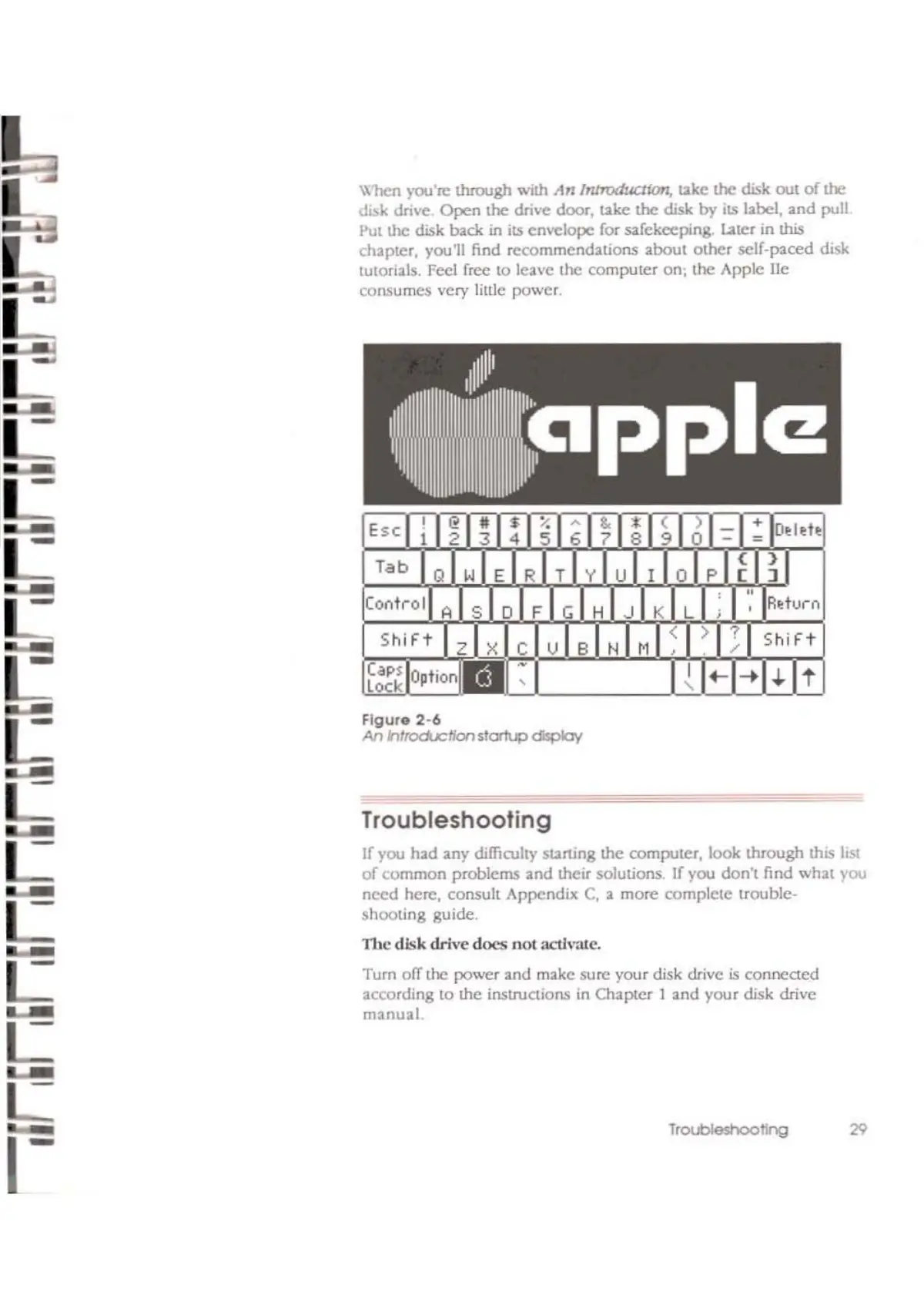
Figure
2-6
An
htroducffonstartup
display
Troubleshooting
If
you h3d any difficulty
st21rting
the
computer, look
through
this
list
of
common
problems
and
their solutions. If you
don't
find
whal
rou
need
here,
consult
AppendiX
C,
a
more
complele
trouble-
shooting
guide.
11le
disk
drive
does
nOI
aetJValc.
Turn off the
power
and
make
sure
your disk drive
is
conneaed
according
to
the
instruaions
in Ch3pter 1
3nd
your
disk drive
manual
29

Other manuals for Apple II

Related product manuals