EasyManua.ls Logo

Apple IIe - Page 121

Apple IIe
320 pages
Print Icon
To Next Page IconTo Next Page
To Previous Page IconTo Previous Page
Loading...
Apple
BASIC Reference
Guide
121
If
a
is
not
a
line
number
in
the
program,
the
next highest
line
number
will
be used. If
bis
not
a
line
number
in
the
program,
the
next lowest
line
number
will
be
used
~
In
Applesoft,
a
LIST
0 statement
will
list all
the
lines in a
program.
For
example
,
LIST
100,0
would
list all
the
lines
from
line
100
to
the
end
of
the
program.
In
Applesoft,
LIST
can be
frozen
by Ctrl-S. Pressing any
other
key
will
resume
LIST
. The listing may be
stopped
by pressing
Ctrl-C.
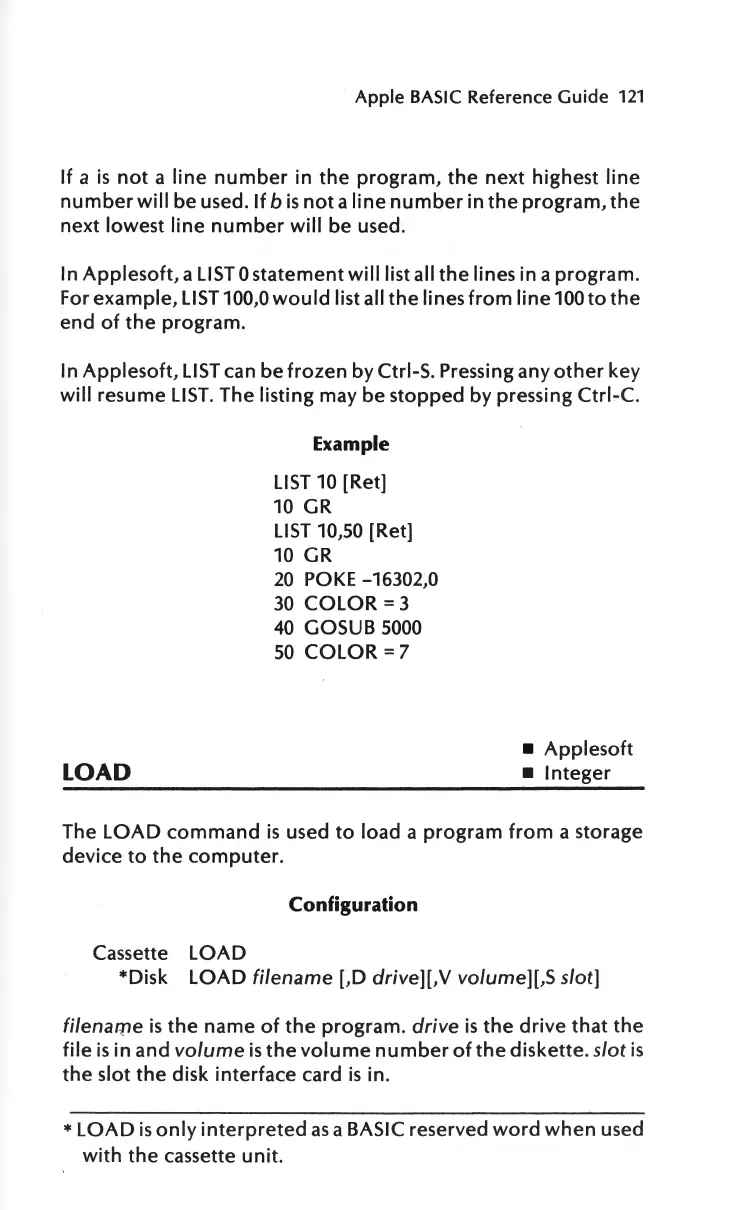
LOAD
Example
LIST
10 [Ret]
10
GR
LIST
10,50 [Ret]
10 GR
20
POKE
-16302,0
30
COLOR
=3
40
GOSUB 5000
50
COLOR
=7
Applesoft
Integer
The
LOAD
command
is
used
to
load a
program
from
a storage
device
to
the
computer
.
Configuration
Cassette
LOAD
*Disk
LOAD
filename
[,D
drive][,V
volume][,S slot]
filenarpe
is
the
name
of
the
program.
drive
is
the
drive
that
the
file
is
in and
volume
is
the
volume
number
of
the
diskette.
slot
is
the
slot
the
disk
interface
card
is
in.
*LOAD
is
only
interpreted
as
a BASIC reserved
word
when
used
with
the
cassette
unit
.

Other manuals for Apple IIe

Related product manuals