EasyManua.ls Logo

Apple IIe - Page 143

Apple IIe
320 pages
Print Icon
To Next Page IconTo Next Page
To Previous Page IconTo Previous Page
Loading...
Apple
BASIC
Reference
Guide
143
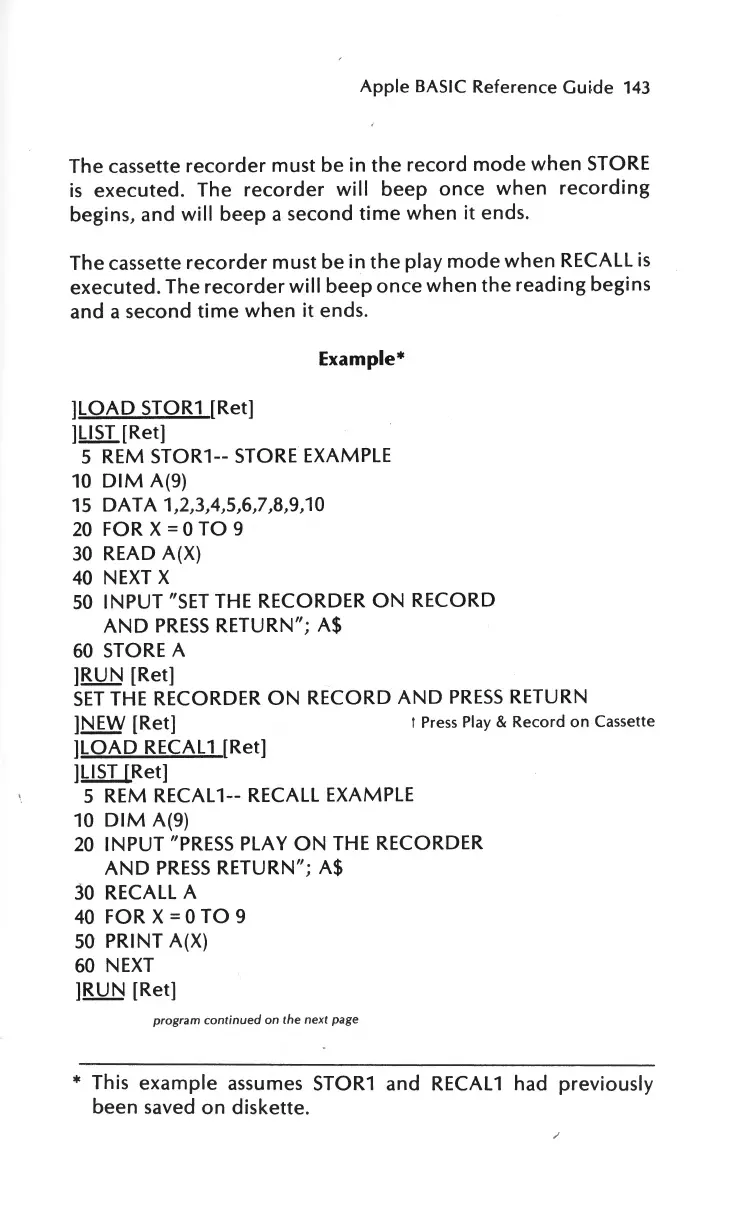
The cassette
recorder
must
be
in
the
record
mode
when
STORE
is
executed.
The
recorder
will
beep
once
when
recording
begins, and
will
beep
a second
time
when
it
ends.
The cassette
recorder
must
be
in
the
play
mode
when
RECALL
is
executed.
The
recorder
will
beep
once
when
the
reading
begins
and a second
time
when
it
ends.
]LOAD
STOR1
[Ret]
]LIST
[Ret]
Example*
5 REM
STOR1--
STORE
EXAMPLE
10
DIM
A(9)
15
DAT
A 1,2,3,4,5,6,7,8,9,
10
20
FOR
X
=
0
TO
9
30
READ A(X)
40
NEXT X
50
INPUT
"SET
THE
RECORDER
ON
RECORD
AND
PRESS
RETURN"; A$
60
STORE
A
]RUN
[Ret]
SET
THE
RECORDER
ON
RECORD
AND
PRESS
RETURN
]NEW
[Ret]
1
Press Play
&
Record
on
Cassette
]LOAD
RECAL 1 [Ret]
]LIST
[Ret]
5 REM RECAL
1--
RECALL
EXAMPLE
10
DIM
A(9)
20
INPUT
"PRESS
PLAY
ON
THE
RECORDER
AND
PRESS
RETURN"; A$
30
RECALL A
40
FOR
X =
0
TO
9
50
PRINT
A(X)
60
NEXT
]RUN
[Ret]
program continued
on
the next page
*
This
example
assumes STOR1
and
RECAL 1 had
previously
been saved
on
diskette.
/

Other manuals for Apple IIe

Related product manuals