EasyManua.ls Logo

Apple IIe - Page 149

Apple IIe
320 pages
Print Icon
To Next Page IconTo Next Page
To Previous Page IconTo Previous Page
Loading...
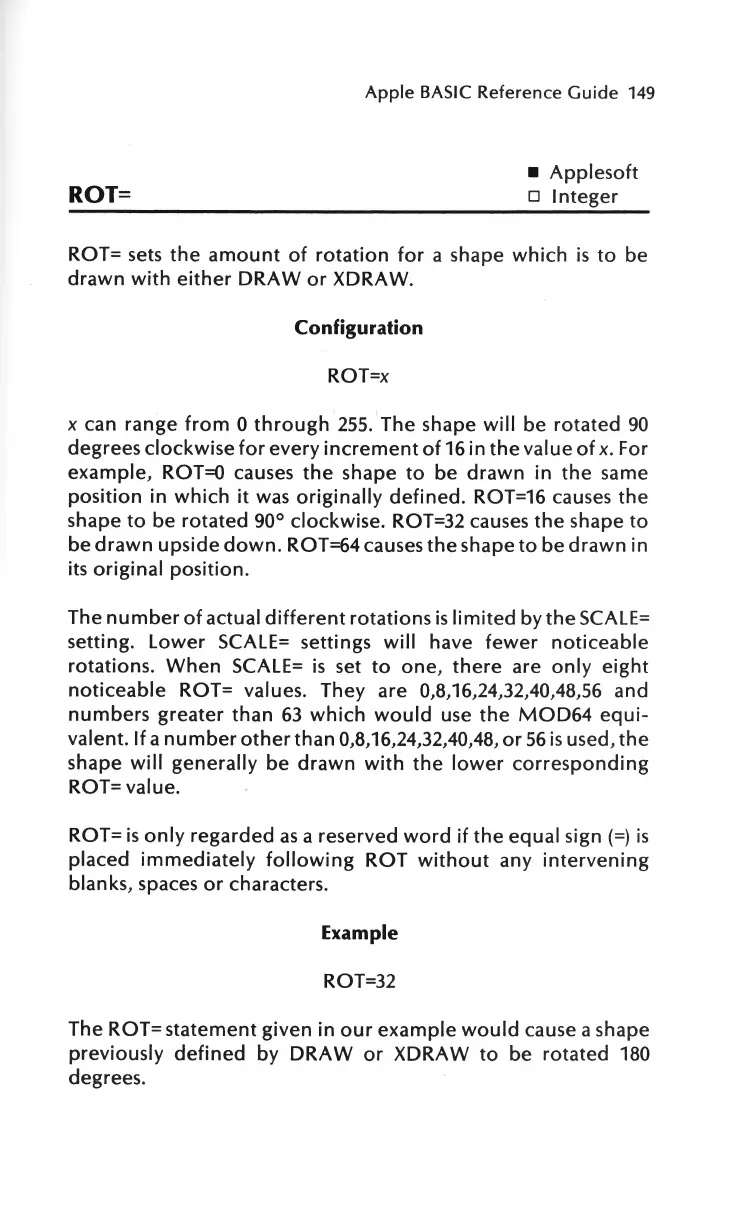
ROT=
Apple
BASIC
Reference
Guide
149
Applesoft
o
Integer
ROT=
sets
the
amount
of
rotation
for
a shape
which
is
to
be
drawn
with
either
DRAW
or
XDRAW.
Configuration
ROT=x
x
can range
from
0
through
255.
The
shape
will
be
rotated
90
degrees
clockwise
for
every
increment
of
16
in
the
value
of
x.
For
example,
ROT=O
causes
the
shape
to
be
drawn
in
the
same
position
in
which
it
was
originally
defined.
ROT=16
causes
the
shape
to
be
rotated
90° clockwise. ROT=32
causes
the
shape
to
be
drawn
upside
down.
ROT=64
causes
the
shape
to
be
drawn
in
its
original
position.
The
number
of
actual
different
rotations
is
limited
by
the
SCALE=
setting.
Lower
SCALE= settings
will
have
fewer
noticeable
rotations.
When
SCALE=
is
set
to
one,
there
are
only
eight
noticeable
ROT= values.
They
are
0,8,16,24,32,40,48,56
and
numbers
greater
than
63
which
would
use
the
MOD64
equi-
valent.
If
a
number
other
than
0,8,16,24,32,40,48,
or
56
is
used,
the
shape
will
generally
be
drawn
with
the
lower
corresponding
ROT= value.
ROT=
is
only
regarded
as
a reserved
word
if
the
equal
sign
(=)
is
placed
immediately
following
ROT
without
any
intervening
blanks,
spaces
or
characters.
Example
ROT=32
The
ROT=
statement
given
in
our
example
would
cause a shape
previously
defined
by
DRAW
or
XDRAW
to
be
rotated
180
degrees.

Other manuals for Apple IIe

Related product manuals