EasyManua.ls Logo

Apple IIe - Page 152

Apple IIe
320 pages
Print Icon
To Next Page IconTo Next Page
To Previous Page IconTo Previous Page
Loading...
152
Apple lie
Users
Handbook
Example
10
REM
SET
UP
SCREEN
20
TEXT:HGR
30
FOR X =
7936
TO
7946
40
READ V:REM READ
IN
SHAPE
50
POKE X,V:REM POKE
SHAPE
INTO
MEMORY
60
NEXT
X
70
REM
TELL
WHERE
SHAPE
IS
AT
80
POKE 232,0: POKE
233,31
90
HCOLOR
= 3
100
ROT=
0
110
FOR X = 10
TO
273
STEP
24
120
INPUT "ENTER
SCALE
";S
130
IFS <
1THENX=273:
GOTO
160
140
IFS >
50
THEN X = 273:
GOTO
160
150
SCALE=
S:
DRAW
1 AT
X,100
160
NEXT
X
170
DAT
A 1,0,4,0,39,36,45,53,54,63,0
180
END
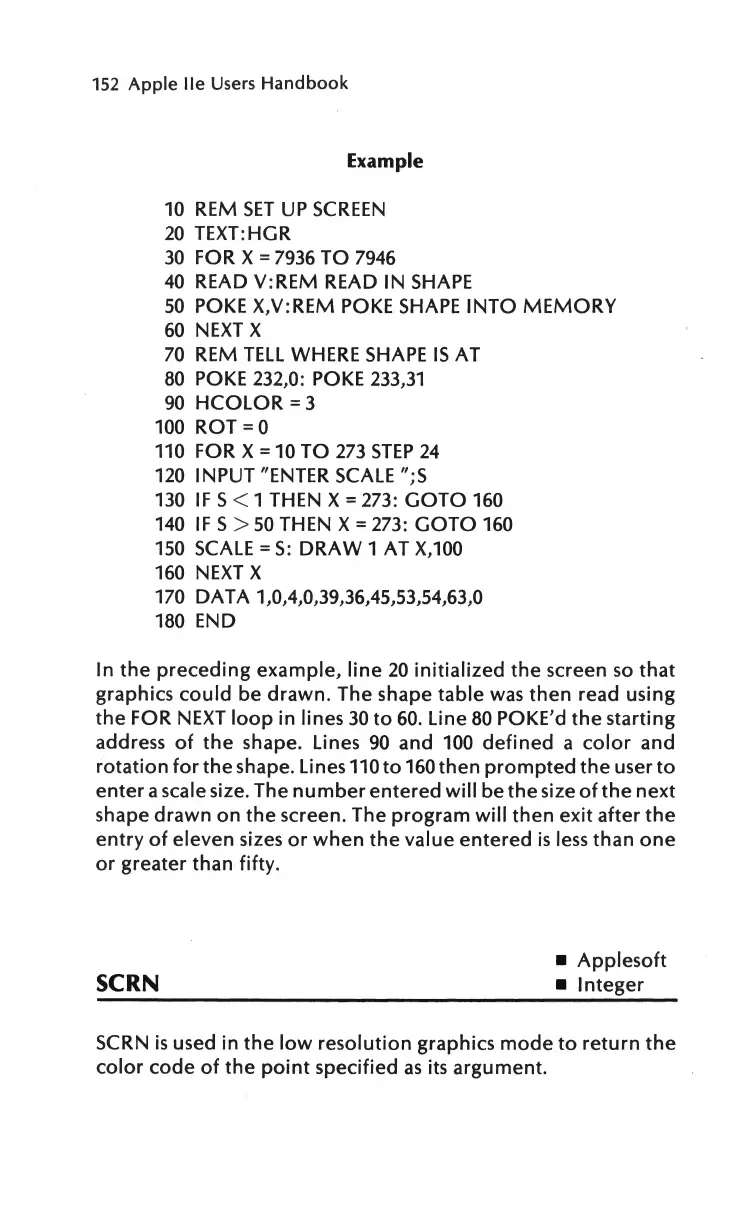
In
the
preceding
example,
line
20
initialized
the
screen
so
that
graphics
could
be
drawn.
The shape
table
was
then
read using
the
FOR
NEXT
loop
in lines
30
to
60.
Line
80
POKE'd
the
starting
address
of
the
shape. Lines
90
and 100
defined
a
color
and
rotation
for
the
shape. Lines
110to160
then
prompted
the
user
to
enter
a scale size. The
number
entered
will
be
the
size
of
the
next
shape
drawn
on
the
screen. The
program
will
then
exit
after
the
entry
of
eleven sizes
or
when
the
value
entered
is
less
than
one
or
greater
than
fifty.
Applesoft
SCRN
Integer
SCRN
is
used
in
the
low
resolution
graphics
mode
to
return
the
color
code
of
the
point
specified
as
its
argument.

Other manuals for Apple IIe

Related product manuals