EasyManua.ls Logo

Apple IIe - Page 159

Apple IIe
320 pages
Print Icon
To Next Page IconTo Next Page
To Previous Page IconTo Previous Page
Loading...
Apple
BASIC Reference
Guide
159
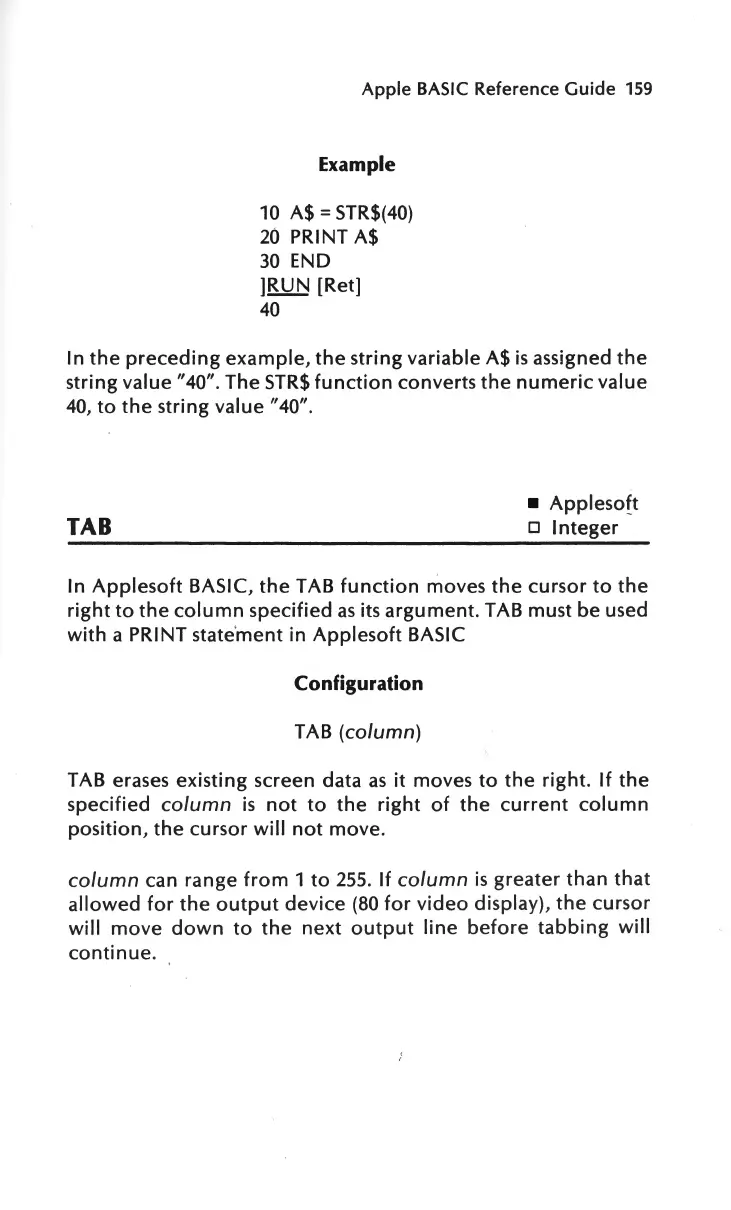
Example
10
A$=
STR$(40)
20
PRINT A$
30
END
]RUN
[Ret]
40
In
the
preceding
example,
the
string
variable A$
is
assigned
the
string
value"
40". The
STR$
function
converts
the
numeric
value
40,
to
the
string value "40".
TAB
Appleso
ft
o
Integer
In
Applesoft
BASIC,
the
TAB
function
moves
the
cursor
to
the
right
to
the
column
specified
as
its
argument.
TAB must be used
with
a PRINT state'
ment
in
Applesoft
BASIC
Configuration
TAB
(column)
TAB erases existing screen data
as
it
moves
to
the
right.
If
the
specified column
is
not
to
the
right
of
the
current
column
position
,
the
cursor
will
not
move
.
column
can range
from
1
to
255
.
If
column
is
greater
than
that
allowed
for
the
output
device
(80
for
video
display),
the
cursor
will
move
down
to
the
next
output
line
before
tabbing
will
continue.

Other manuals for Apple IIe

Related product manuals