168
Apple
lie
Users Handbook
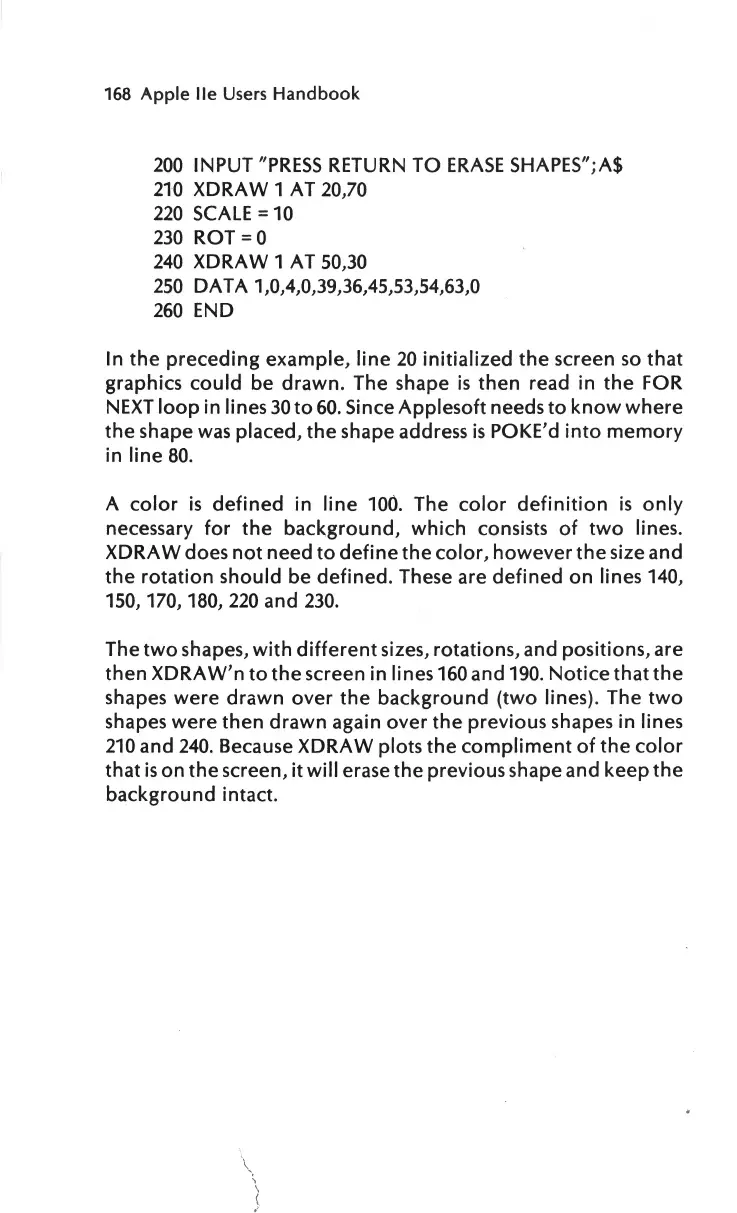
200
INPUT
"PRESS
RETURN
TO
ERASE
SHAPES"
;A$
210
XDRA W 1 AT 20,70
220
SCALE=
10
230
ROT=
0
240
XDRA W 1 AT 50,30
250
DAT
A 1,0,4,0,39,36,45,53,54,63,0
260
END
In
the
preceding
example,
line
20
initialized
the
screen
so
that
graphics
could
be
drawn.
The shape
is
then
read in
the
FOR
NEXT
loop
in lines
30
to
60.
Since
Applesoft
needs
to
know
where
the
shape
was
placed,
the
shape address
is
POKE'd
into
memory
in
line
80
.
A
color
is
defined
in
line
100.
The
color
definition
is
only
necessary
for
the
background,
which
consists
of
two
lines.
XDRAW does
not
need
to
define
the
color,
however
the
size and
the
rotation
should be
defined
. These are
defined
on
lines 140,
150,
170,
180,
220
and
230
.
The
two
shapes,
with
different
sizes, rotations, and positions, are
then
XDRAW
'n
to
the
screen in lines 160 and
190.
Notice
that
the
shapes
were
drawn
over
the
background
(two
lines). The
two
shapes
were
then
drawn
again
over
the
previous shapes in lines
210
and
240
. Because XDRAW plots
the
compliment
of
the
color
that
is
on
the
screen,
it
will
erase
the
previous shape and
keep
the
background
intact.
\
'
l



 To Next Page