EasyManua.ls Logo

Apple IIe - Page 209

Apple IIe
320 pages
Print Icon
To Next Page IconTo Next Page
To Previous Page IconTo Previous Page
Loading...
Cassette
and
Disk Storage
with
the
Apple
lie
209
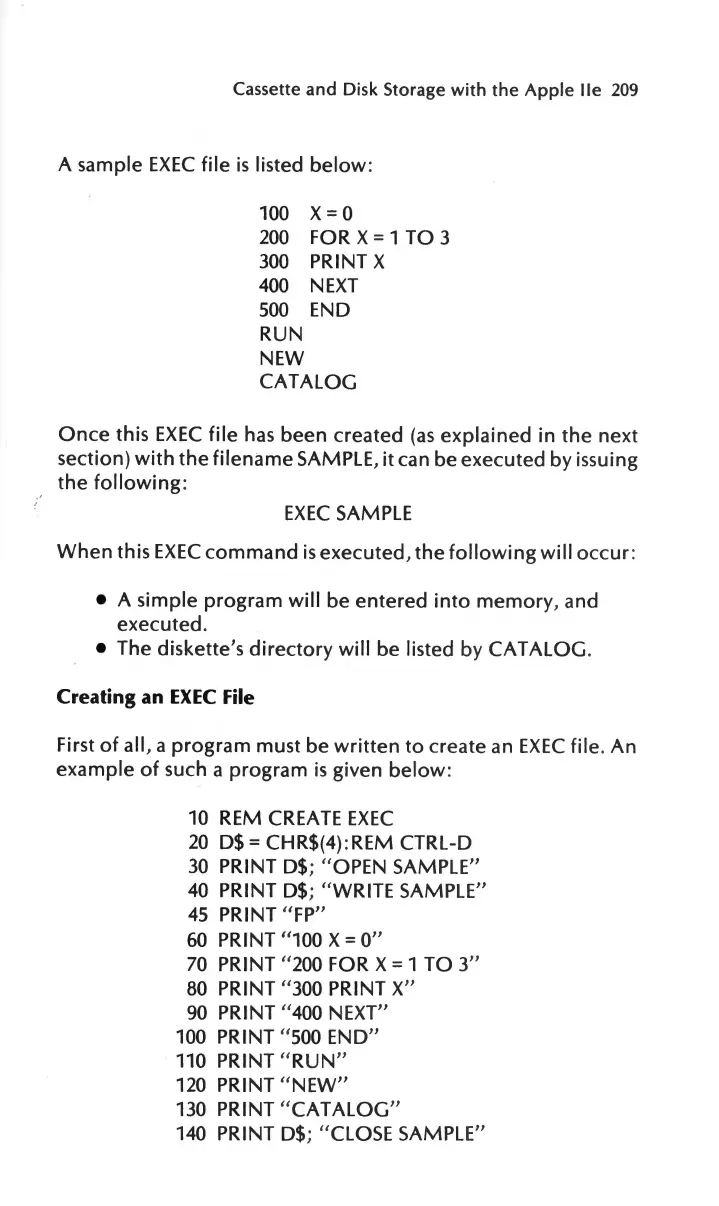
A
sample
EXEC
file
is
listed
below:
100
x
= 0
200
FOR X
=
1
TO
3
300
PRINT
X
400
NEXT
500
END
RUN
NEW
CATALOG
Once
this
EXEC
file
has
been
created
(as
explained
in
the
next
section)
with
the
filename
SAMPLE,
it
can
be
executed
by issuing
the
following
:
EXEC
SAMPLE
When
this
EXEC
command
is
executed,
the
following
wi
ll
occur
:
A
simple
program
will
be
entered
into
memory
, and
executed
.
The
diskette
's
directory
will
be
listed
by
CATALOG
.
Creating an
EXEC
File
First
of
all,
a
program
must
be
written
to
create
an
EXEC
file.
An
example
of
such a
program
is
given
below:
10
REM CREATE
EXEC
20
D$
=
CHR$(4):REM CTRL-D
30
PRINT
D$;
" OPEN SAMPLE"
40
PRINT
D$;
"WRITE
SAMPLE"
45
PRINT
"FP"
60
PRINT "100
X =
O"
70
PRINT " 200 FOR
X = 1
TO
3"
80 PRINT "300 PRINT X"
90 PRINT "400 NEXT"
100 PRINT " 500
END"
110 PRINT "
RUN
"
120 PRINT " NEW"
130 PRINT "
CATALOG
"
140 PRINT
D$;
"CLOSE SAMPLE"

Other manuals for Apple IIe

Related product manuals