iMac (24-inch) Take Apart —Fan, Optical Drive 71
Replacing the Optical Drive Fan
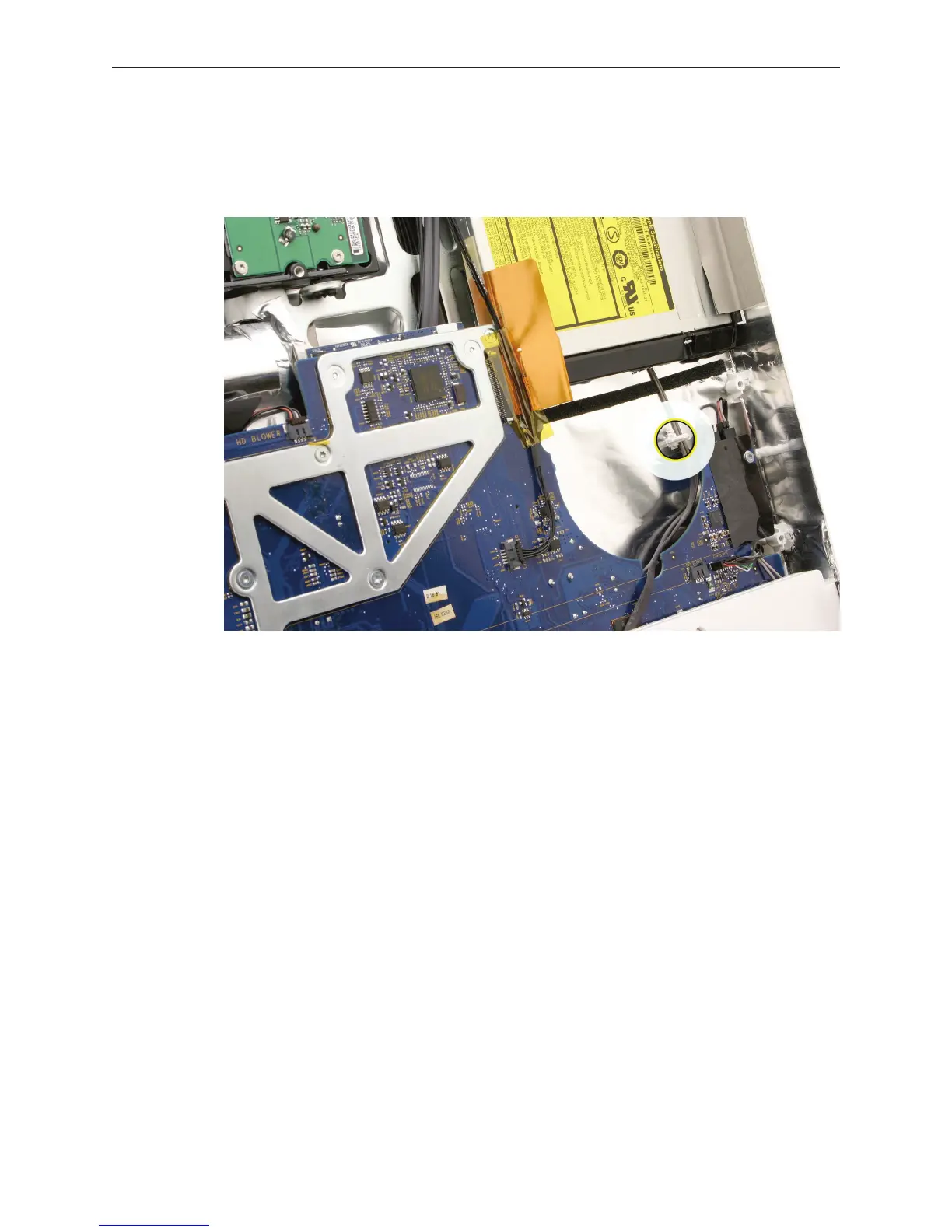
Before installing the fan, make sure the speaker cable and AirPort antenna cables in the rear
cover are routed to the right of the guide post shown.
Lower the fan onto the guide posts in the rear cover. Connect the fan cable.
Replace the display panel.
Replace the front bezel.
Replace the access door.
1.
2.
3.
4.
5.



 To Next Page