iMac (24-inch) Take Apart — Optical Drive 100
Removing the Optical Drive
Warning: When servicing the optical drive, handle it by the edges only. Pressing elsewhere on the
drive could damage its internal mechanism.
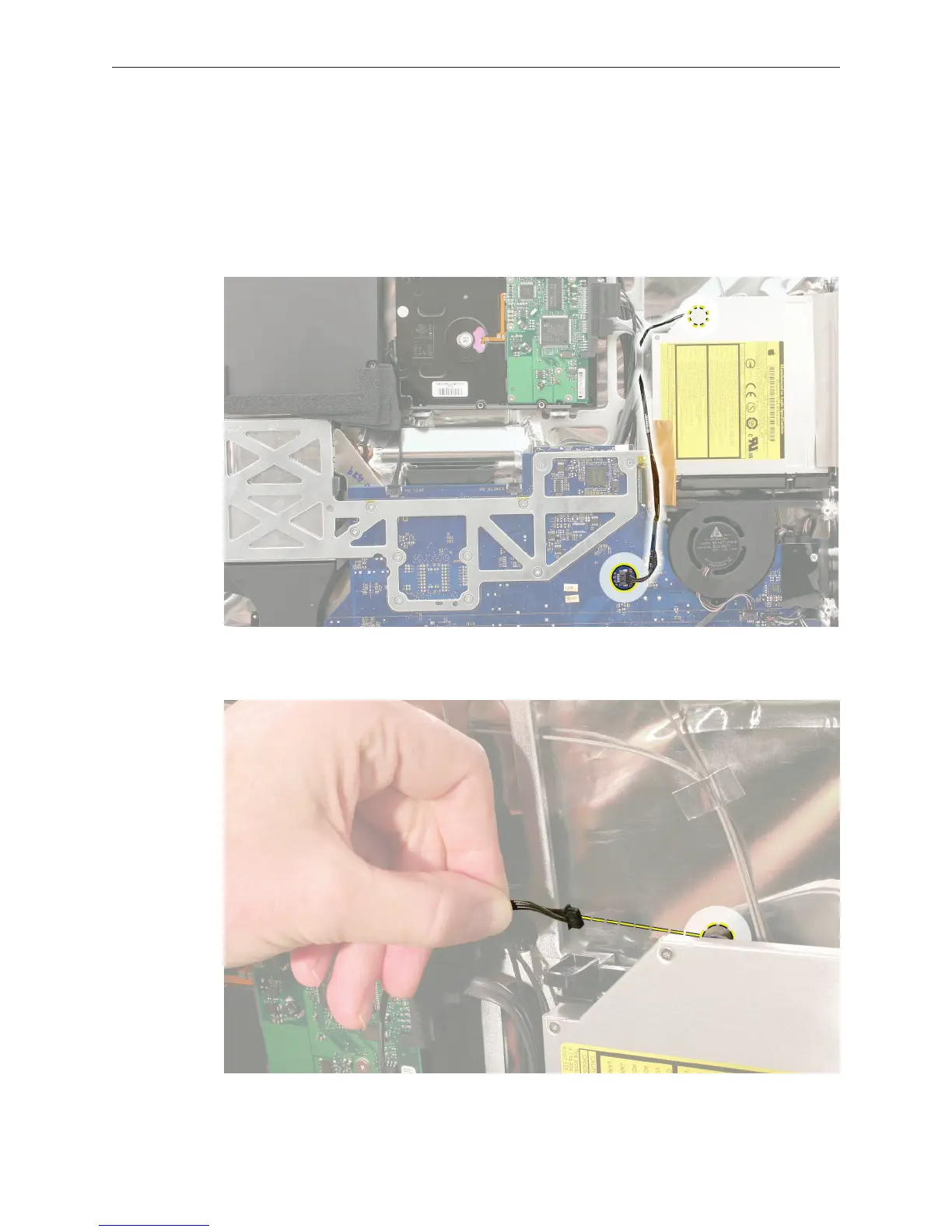
Note the sensor cable routing. Disconnect the temperature sensor cable from its connector
near the optical fan on the logic board.
Disconnect the cable from the sensor on the top edge of the optical drive.
1.
2.



 To Next Page